Make a form: booking, quote request, contact
Build a form from a ready set, add it to a page of your site, and its answers land in Submissions.
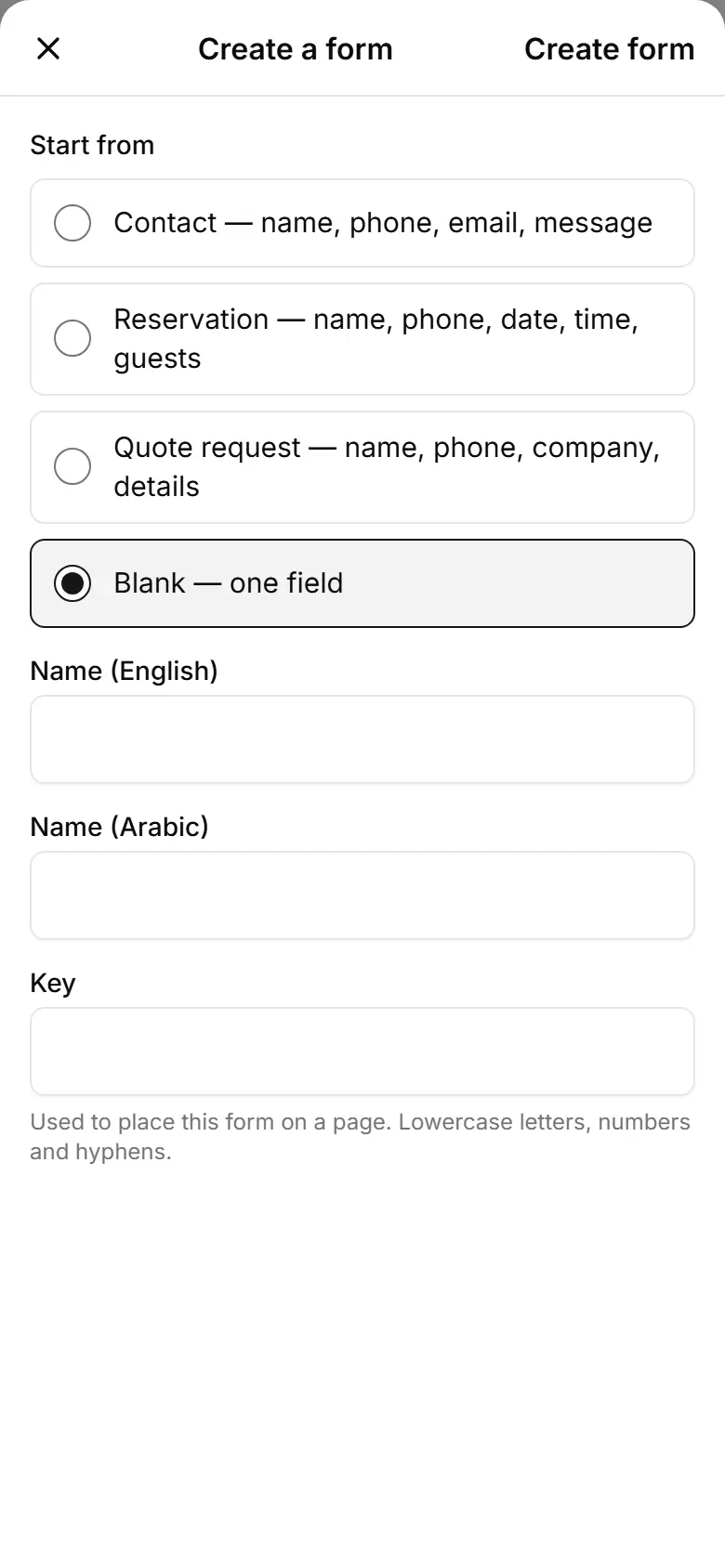
Open Forms and tap New form.
Give it a name and choose Start from: contact, reservation, quote request or blank.
Tap Create form.
Change the fields or tap Add field; tick Required where an answer is a must.
Optional: Email new submissions to and Continue on WhatsApp.
Tap Save form.
In My website, add the Custom form section and pick your form under Form.