Import products or a menu from a document
Upload a PDF or a photo of a price list or menu; AI reads the rows, you check them, then add them in one tap.
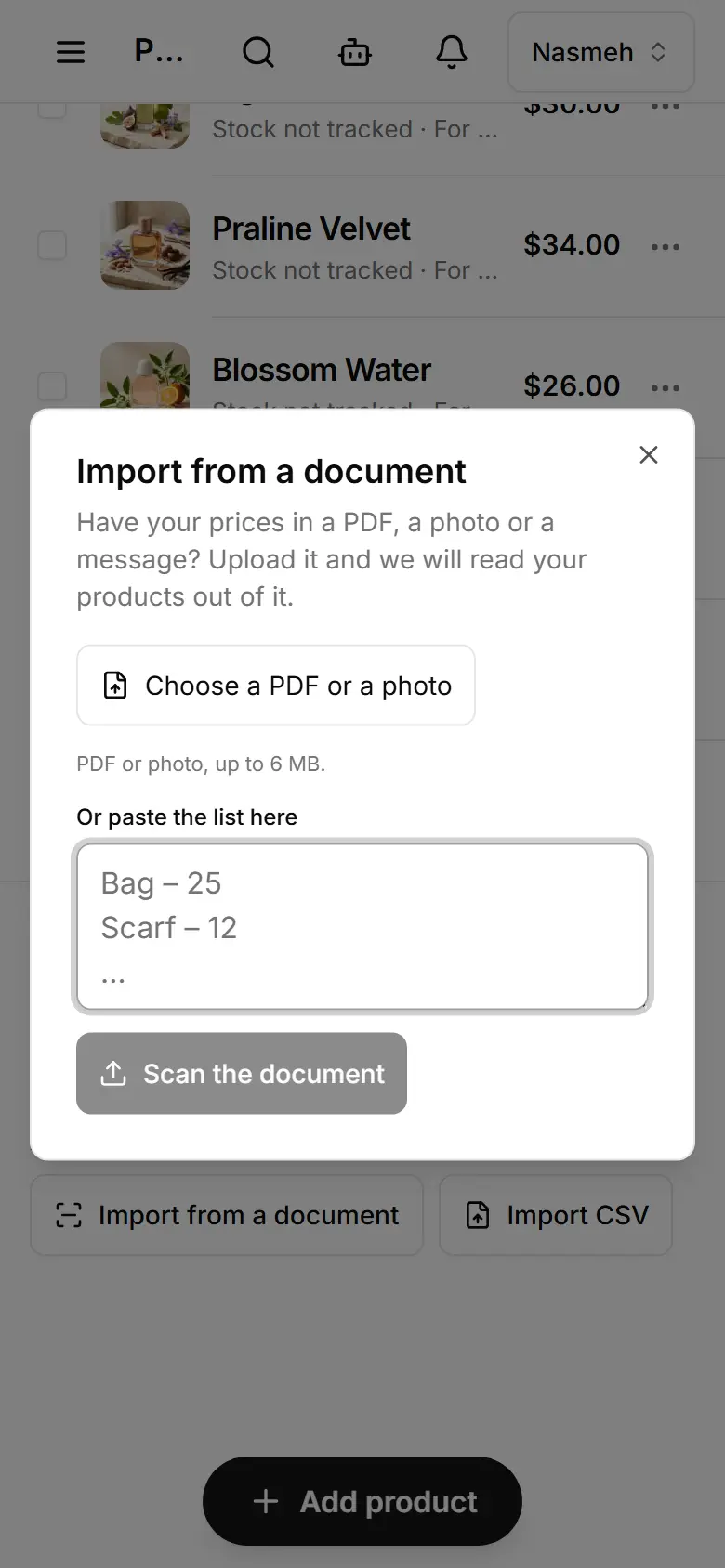
AIOpen Products (or Menu) and tap Import from a document — on a phone, Products keeps it behind the ⋯ beside Filters.
Choose a PDF or a photo (up to 6 MB), or paste the list.
Tap Scan and wait while it reads.
Check the rows in the table.
Tap Add to my products (or Add to my menu).
- Reading a document costs 3 credits; adding the rows costs nothing.
- A price it could not read in dollars comes through as 0 — fix it after.
- Changed your mind? Tap Undo in the message that follows.
- Replacing the whole catalogue instead of adding is for the owner only.