Your site's languages and LBP prices
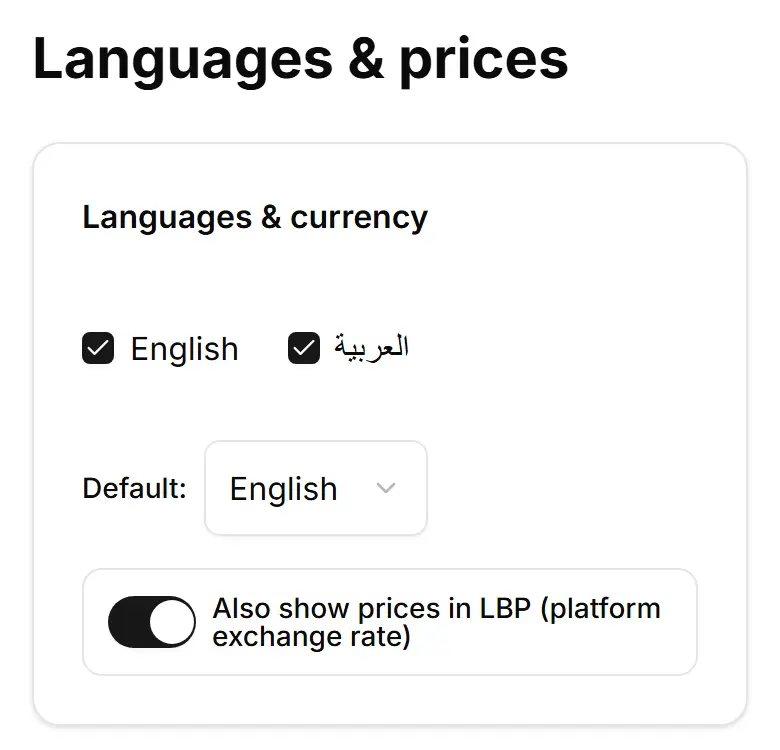
Choose English, Arabic or both for your site, which comes first, and whether prices also show in LBP.
Open Settings → Languages & prices (computer: Advanced).
Tick English, العربية or both.
Pick the first language in Default:
Switch on Also show prices in LBP (platform exchange rate) if you want both currencies.
Tap Save.