Choose how customers pay: cash, Whish, OMT
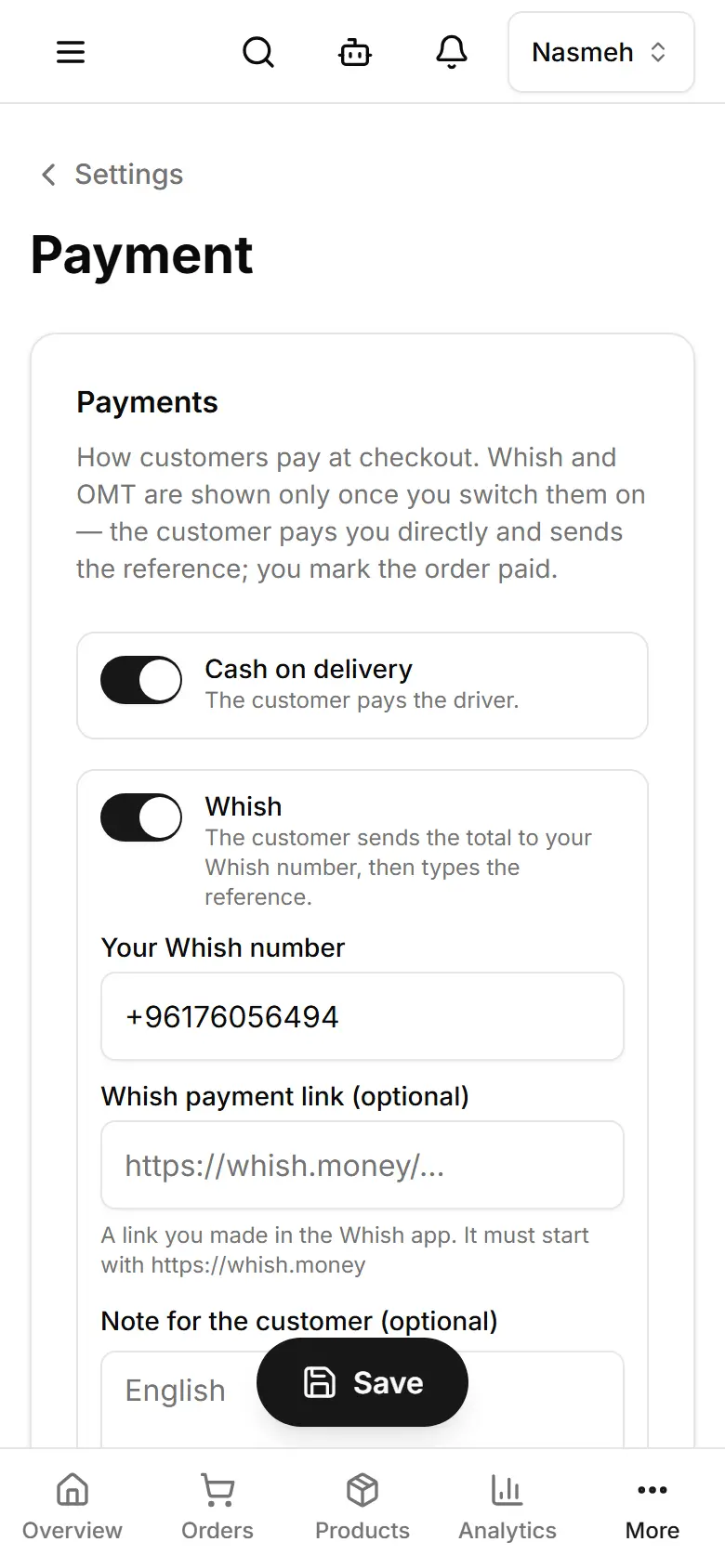
Switch on cash on delivery, Whish or OMT; customers pay you directly and you mark the order paid.
Open Settings → Payment (computer: Payments).
Keep or switch off Cash on delivery.
Whish: switch it on and type Your Whish number (a Whish link is optional).
OMT: switch it on and type the Recipient name and Recipient phone.
Tap Save.