Dress up your site for an occasion
Pick an occasion and AI re-dresses your site — colours, headings and, for a shop, a row of your products — without touching your catalogue.
AIIn My website, open More actions (⋯) and tap Dress up for an occasion.
Pick the occasion — or Something else and name it (Eid, an anniversary).
Add a note if you like and, when your design has a top picture, choose whether you want two pictures.
Tap Write the makeover and read the card: pictures, colours before and after, the new words.
Tap Apply to my site — or Discard.
Check the preview, then Publish (Go live while in Coming soon).
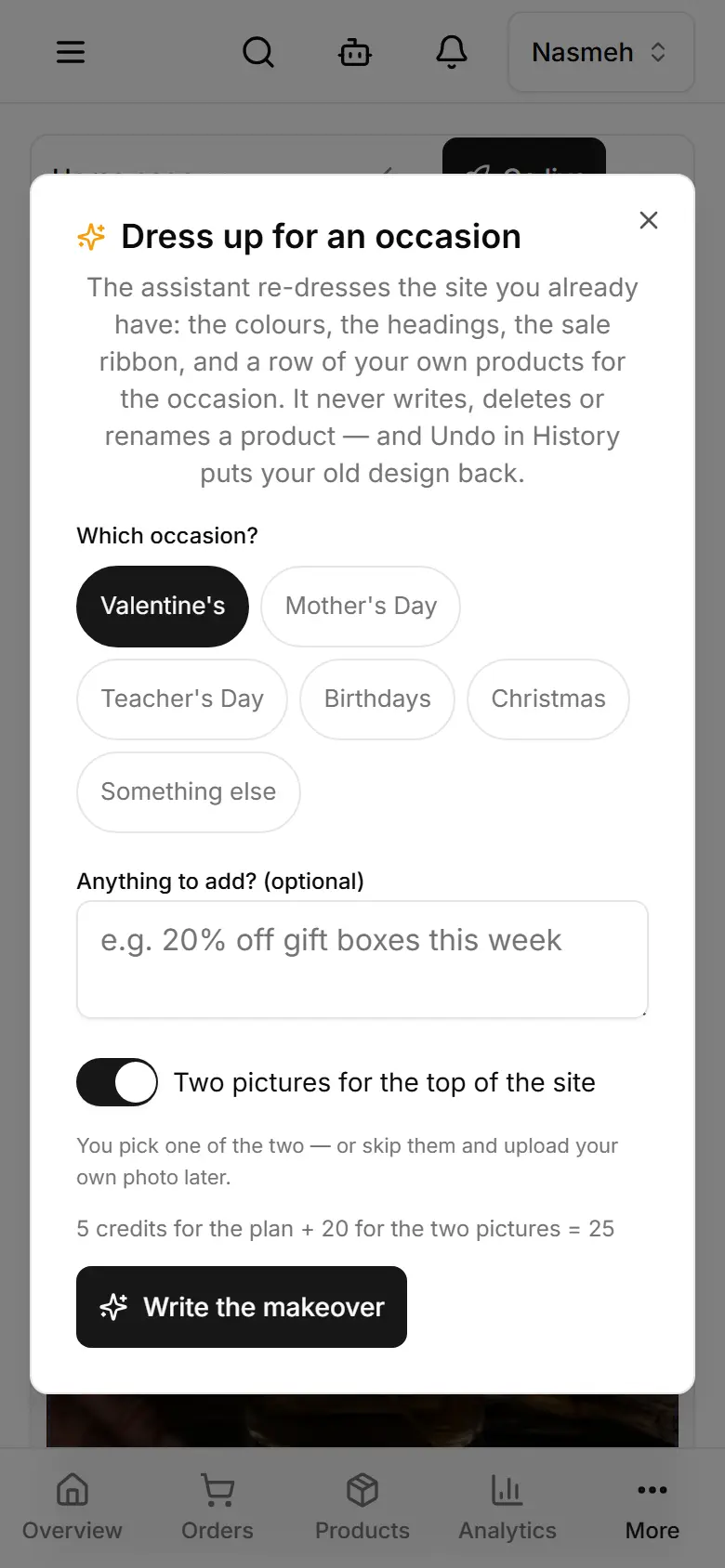
- 5 credits for the plan, plus 20 for the two pictures if you want them; a picture that fails is not charged. With your own AI key the plan uses no credits; the pictures are free only on a Gemini key.
- When your plan's storage is full, the pictures are not made and not charged.
- It never writes, deletes or renames a product.
- Undo in History puts your old design back.