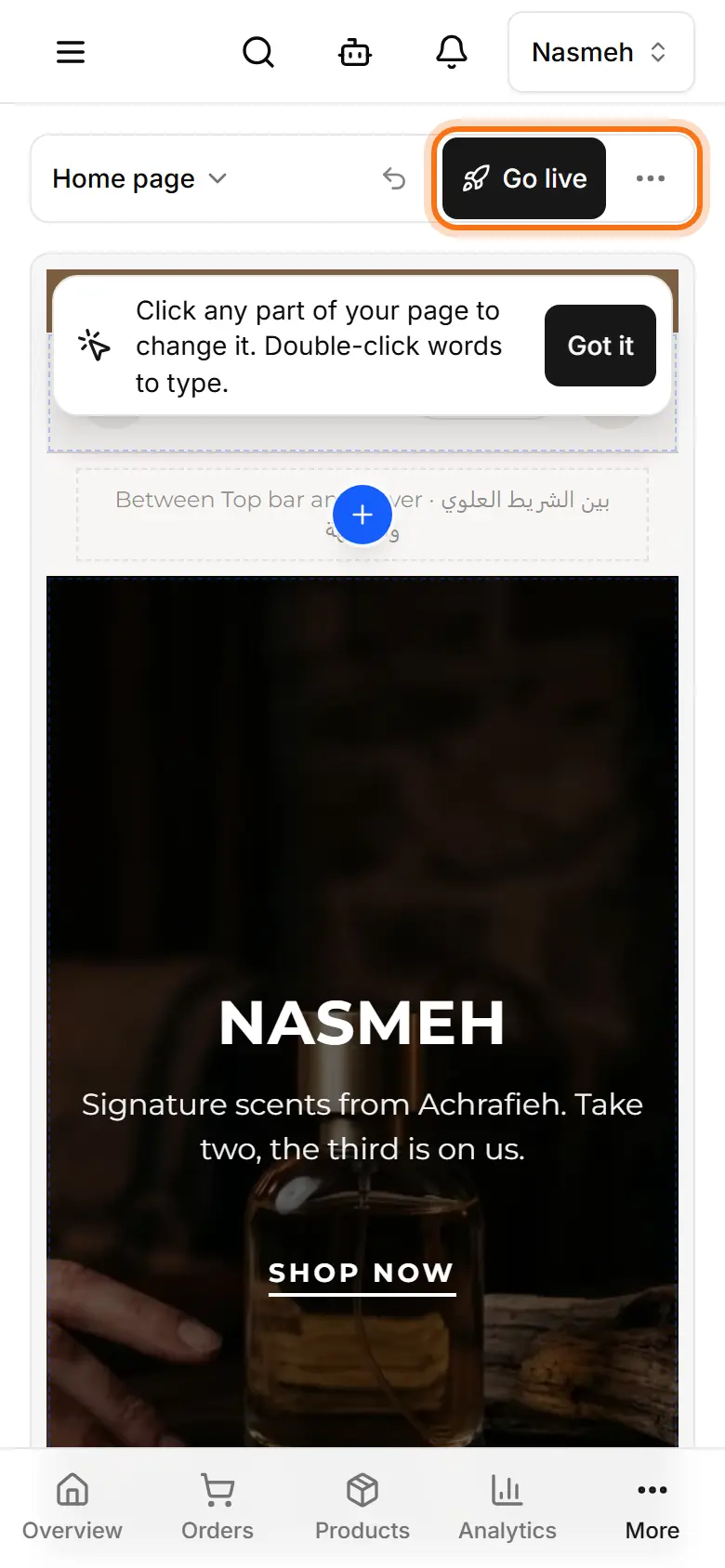
Preview your site before visitors see it
See your draft without the editing marks, on a phone frame or on your own phone, before you publish.
Open My website.
Tap Preview (the eye; on a phone it is in the ⋯ menu). Leave with Exit preview.
Switch the frame between Phone and Desktop.
To check on your own phone: ⋯ (computer: ⋮ beside Publish) → Preview on phone → Get the link, then open it or scan its QR code.