Change the text and pictures on a page
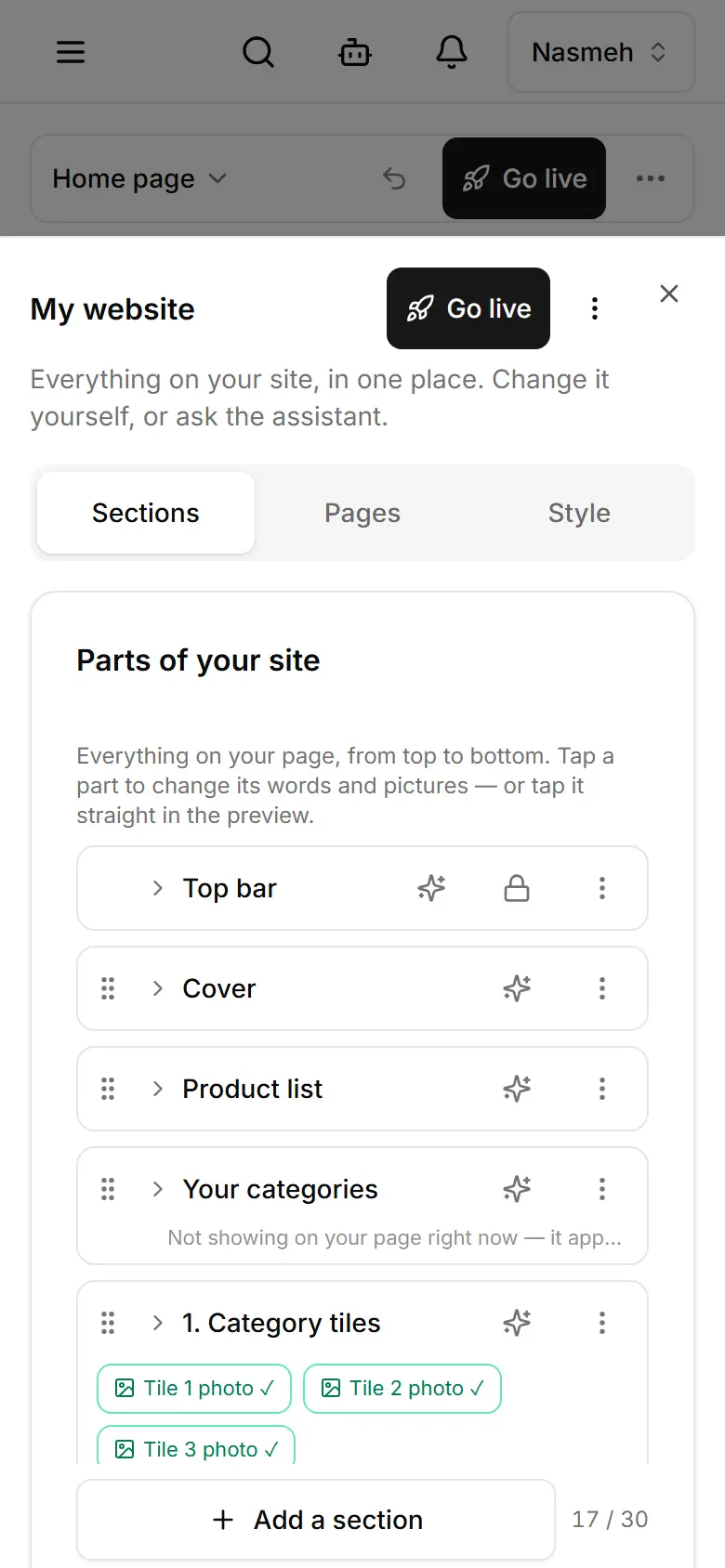
Tap any part of your page in My website, change its words or upload a photo; it saves to your draft.
Open My website.
Tap the part you want on the preview — or ⋯ → Edit my site and pick it under Parts of your site.
Change the words; each field has an English and an Arabic side.
For a picture, tap Upload and choose a photo from your phone.
It saves by itself. Publish when you are happy.
Related
- Add, move or hide a sectionAdd a ready-made block to your page, then move, duplicate, hide or delete it from its menu.
- Publish your changesThe editor and Style save a draft visitors do not see; Publish puts it live. Products and Settings are live at once.
- Keep your photos in the media libraryThe media library keeps your photos and videos: upload new ones, add the ones your site uses, describe them.