Create a QR gift card
Write a personal letter, pick a theme, add photos or music, then print the QR code that opens the gift page.
Open QR gifts and tap New gift.
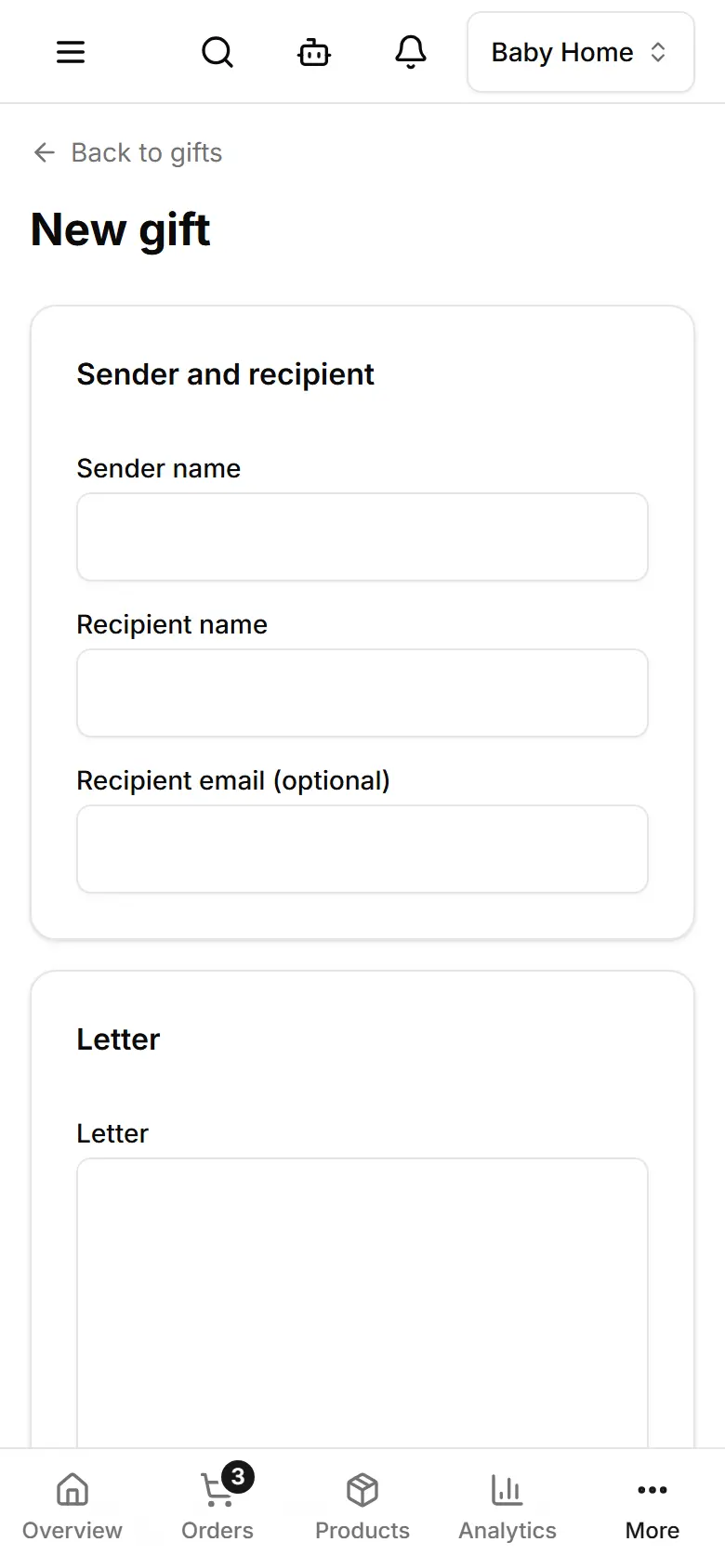
Fill the Sender name, the Recipient name and the Letter.
Choose the Theme and the Gift type, then tap Create gift.
Under Photos, videos and music, tap Add files.
Under Link and QR code, download the code for print — or tap Design label for a ready card.