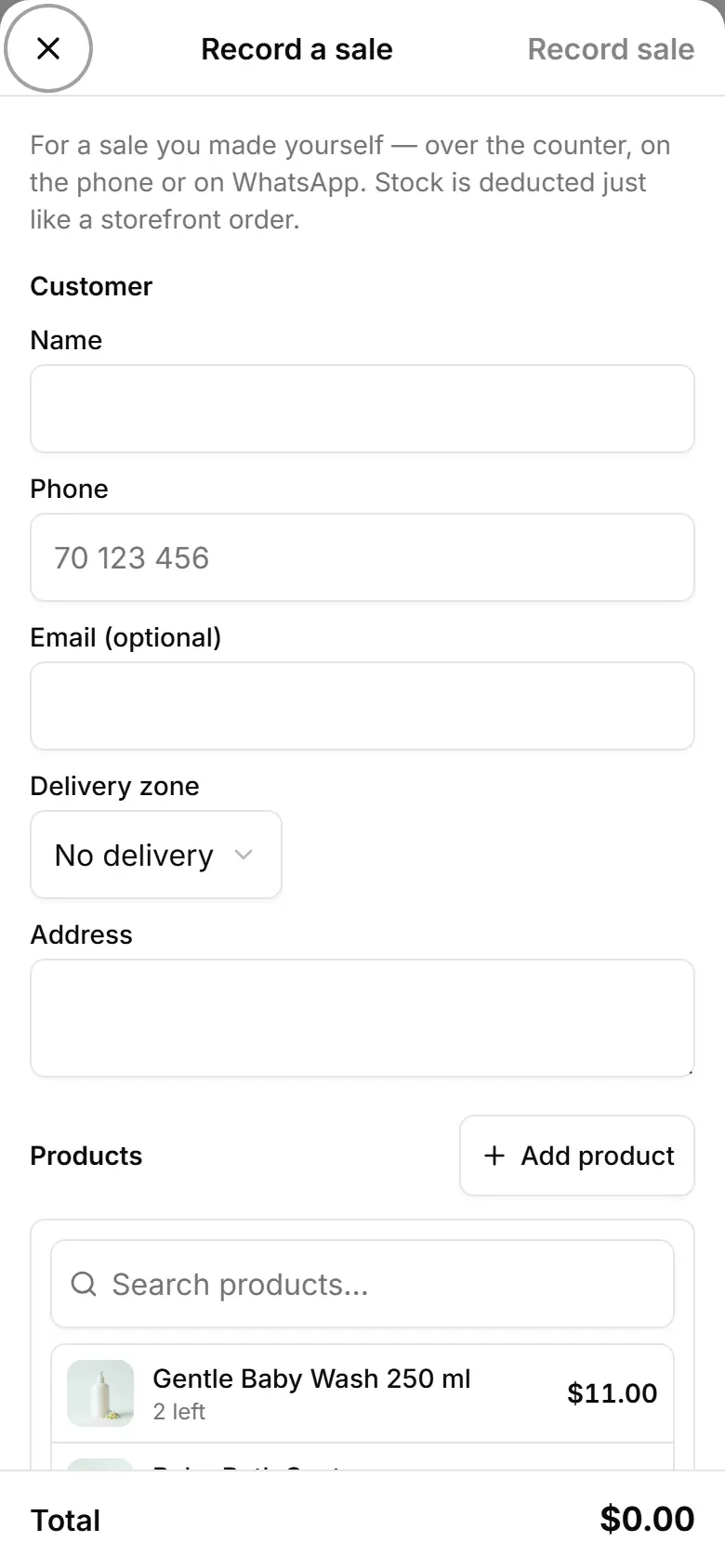
Record a sale you took by phone or in the shop
Add a sale from the phone, Instagram or the counter as an order, so your sales and stock stay complete.
On Orders, tap Record sale.
Type the customer's Name and Phone; pick the Delivery zone, or No delivery.
Tap Add product, choose it (and its Size if it has sizes) and set the Qty.
Set the Status and the Payment.
Tap Record sale to save it.