Add a page and choose where it appears
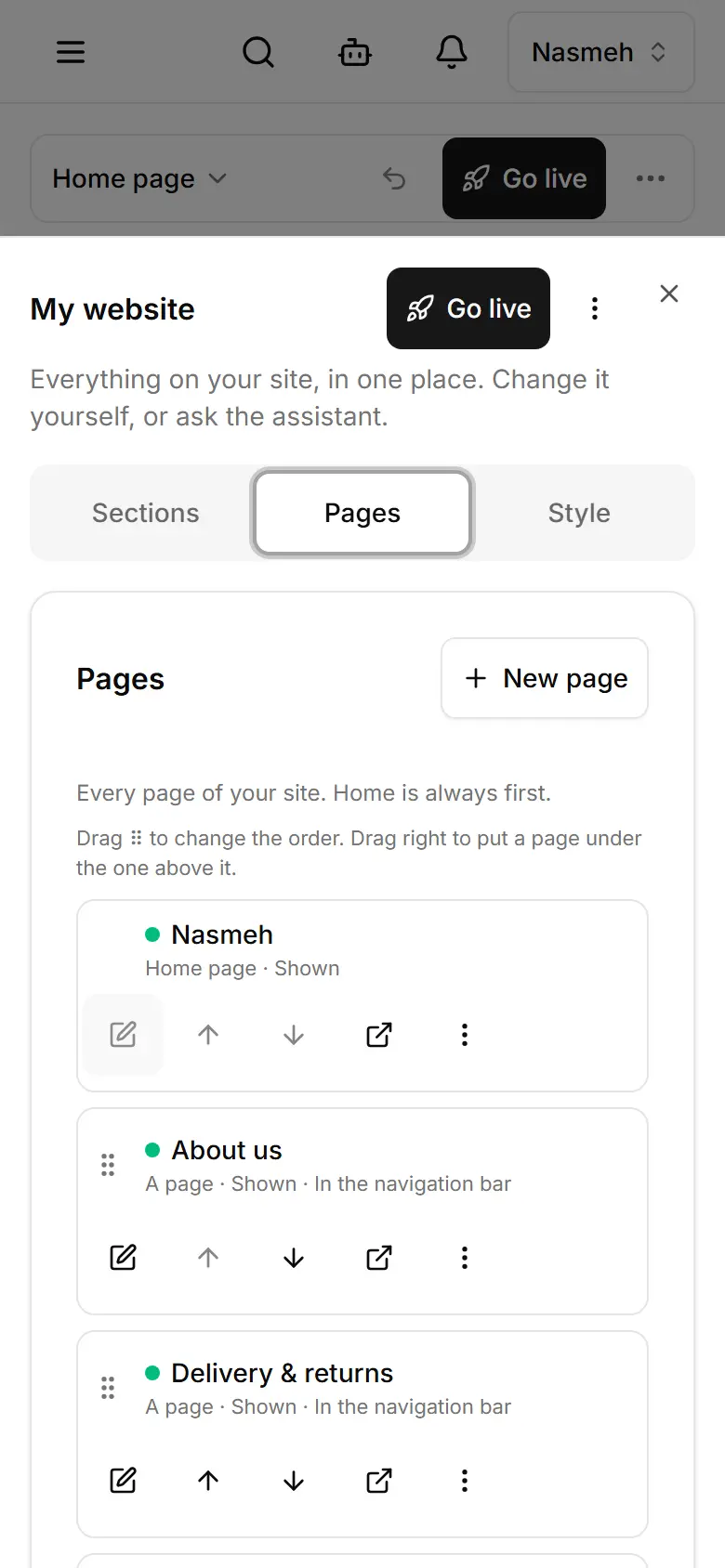
Create a page in My website → Pages, fill it, then choose: by its link only, or in the navigation bar.
In My website, open Pages and tap New page.
Type Name in English / Name in Arabic, check the Address, choose What is it?
Tap Add the page, then add sections to it.
On its row, tap ⋮ → Where does this page appear?
Choose By its link only or In the navigation bar and by its link.
Publish — the choice takes effect then.
Related
- Write your policies: privacy, terms, returnsYour site starts with a privacy policy (shops: terms too; restaurants: an FAQ) as a draft — replace its text, mark it reviewed, publish.
- The announcement bar and the footerShow a short message above your header, and choose a simple or a bigger footer with your own links.
- Publish your changesThe editor and Style save a draft visitors do not see; Publish puts it live. Products and Settings are live at once.