The announcement bar and the footer
Show a short message above your header, and choose a simple or a bigger footer with your own links.
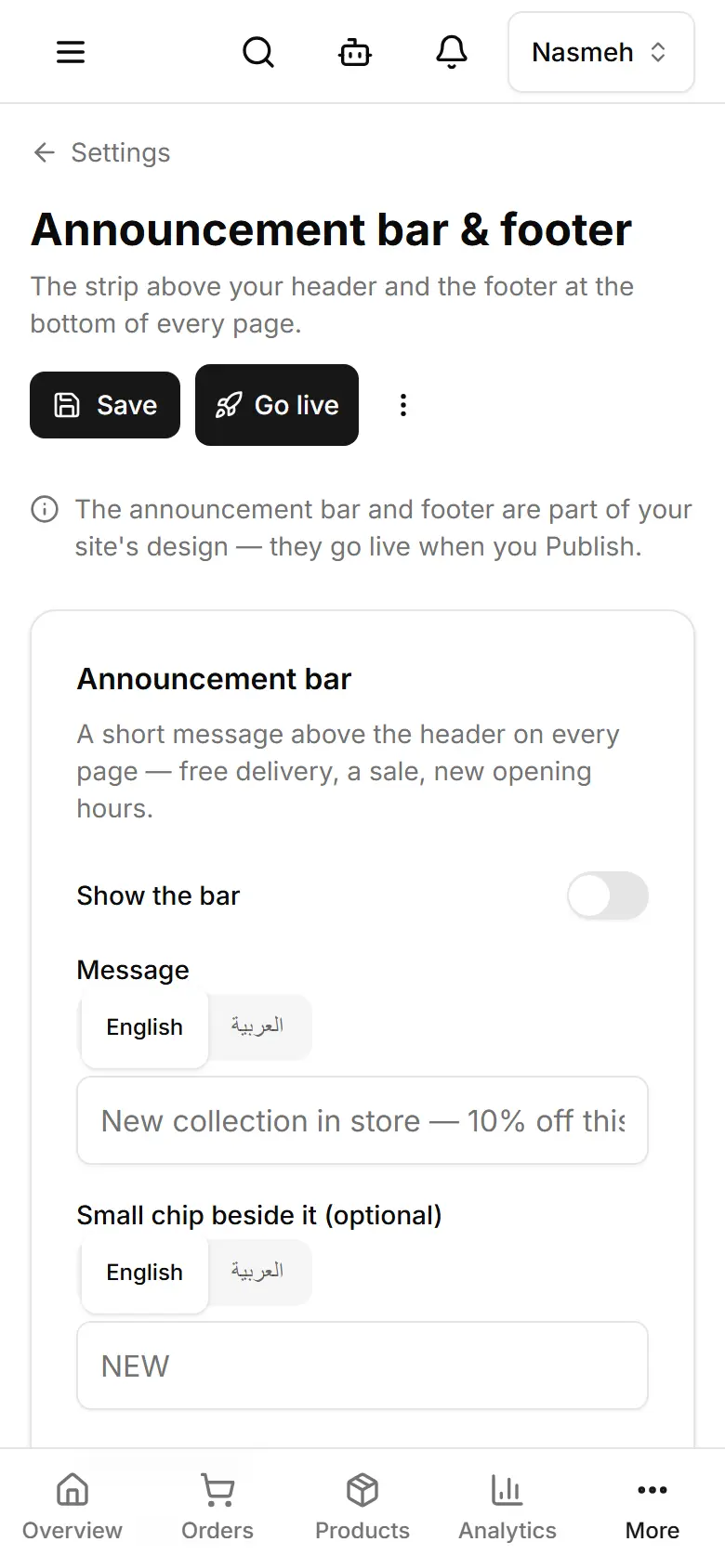
Open Settings → Announcement bar & footer.
Turn on Show the bar and write the Message (a link and dates are optional).
Under Footer, keep Simple or choose Mega for link columns, socials and payment methods.
Tap Save.
Then Publish — the bar and footer are part of your site's design.
Related
- Add a page and choose where it appearsCreate a page in My website → Pages, fill it, then choose: by its link only, or in the navigation bar.
- Publish your changesThe editor and Style save a draft visitors do not see; Publish puts it live. Products and Settings are live at once.
- Set your WhatsApp number and social linksSettings → Contact & social: the WhatsApp number orders go to, your phone, email and social pages.