Change your shop name, address and opening hours
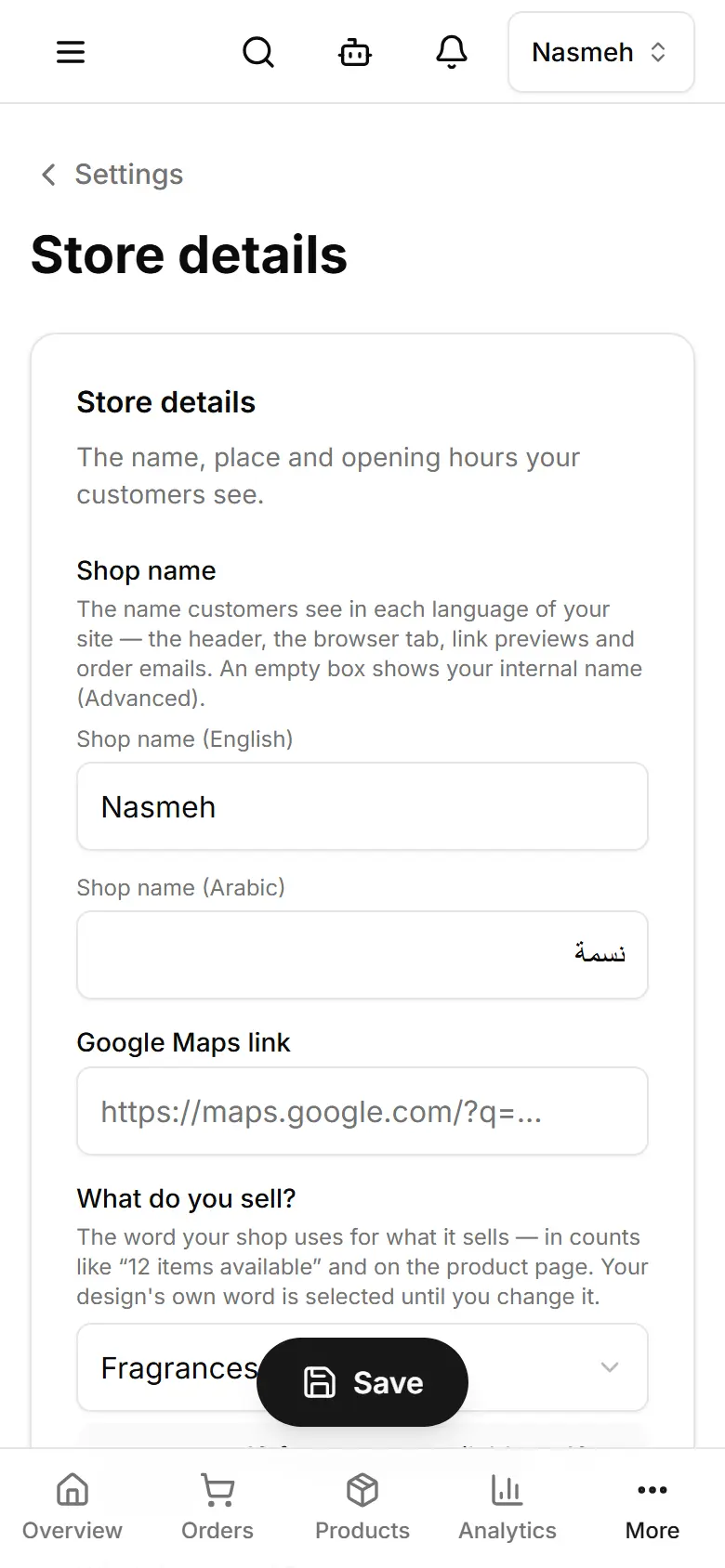
Settings → Store details holds the name customers see, your address and your week of opening hours.
Open Settings → Store details.
Change the Shop name, Address, Tagline or Google Maps link.
Tap Save (computer: Save settings).
For your week, open Opening hours; for more than one place, Branches.
Related
- Change your logo and site iconUpload your logo and the small browser-tab icon in Settings; they show on your site as soon as you save.
- Set your WhatsApp number and social linksSettings → Contact & social: the WhatsApp number orders go to, your phone, email and social pages.
- Your web address and your own domainYour site has a free sitebazaar.app address; SiteBazaar sets up your own domain (like yourshop.com) for you.