Change your logo and site icon
Upload your logo and the small browser-tab icon in Settings; they show on your site as soon as you save.
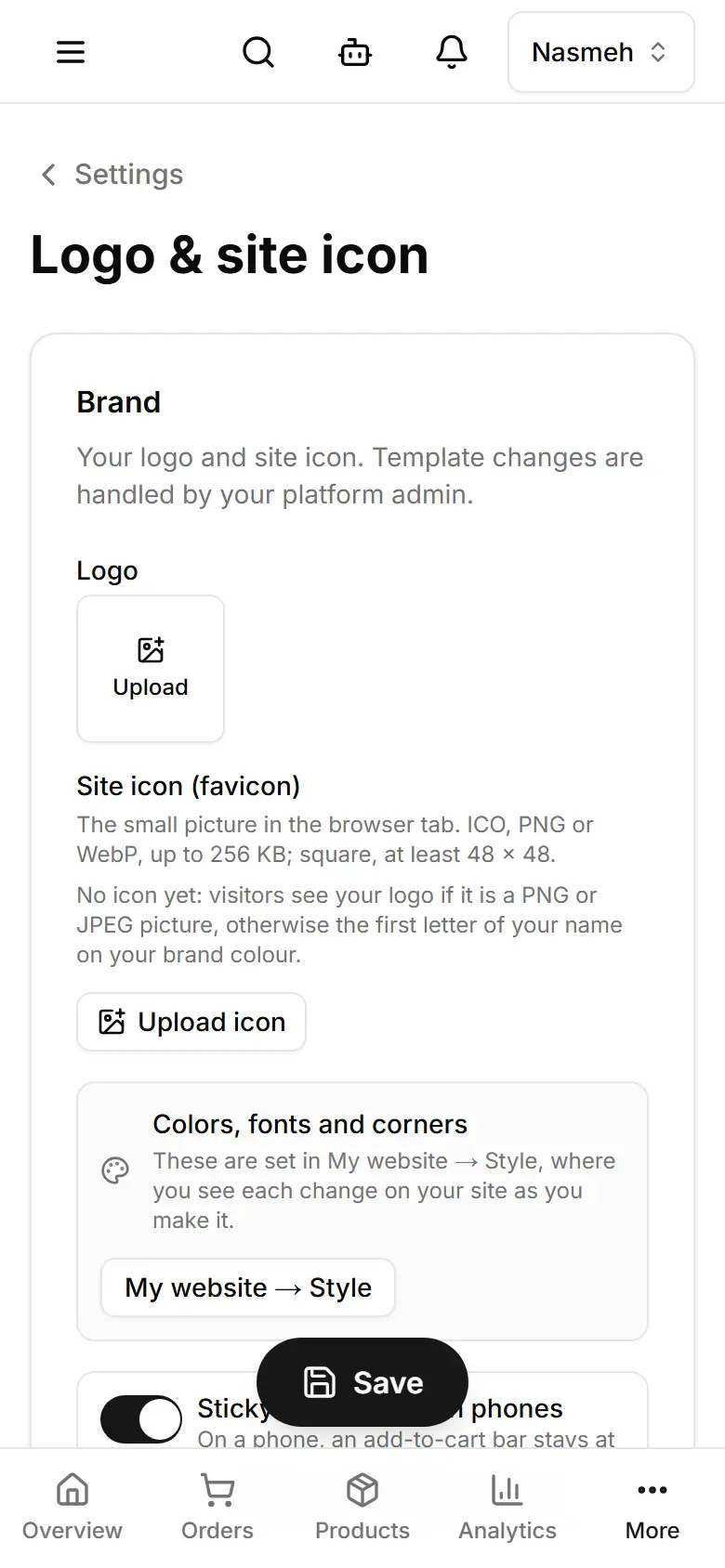
Open Settings → Logo & site icon (computer: Appearance).
Under Logo, tap Upload and choose the picture (JPEG, PNG, WebP or GIF).
Under Site icon (favicon), tap Upload icon — ICO, PNG or WebP, square, up to 256 KB.
Tap Save (computer: Save settings).