Set your WhatsApp number and social links
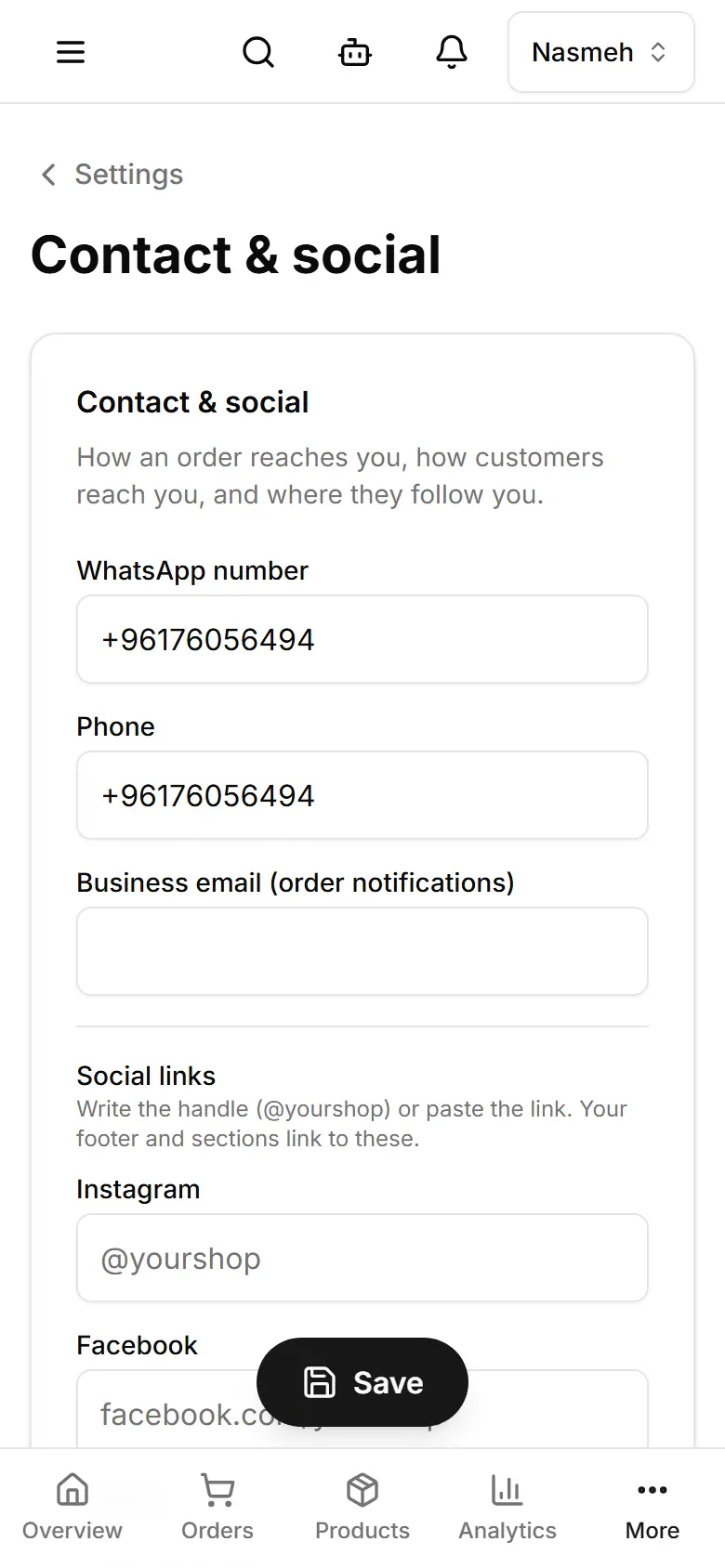
Settings → Contact & social: the WhatsApp number orders go to, your phone, email and social pages.
Open Settings → Contact & social.
Type your WhatsApp number (like +961 70 123 456) and Phone.
Under Social links, write each handle (@yourshop) or paste the link.
Shops and menus: switch on Allow ordering via WhatsApp.
Tap Save — it shows on your site at once.
Related
- Get notified of new orders and messagesTurn on notifications on each phone or computer you use, and choose which ones you want.
- Change your shop name, address and opening hoursSettings → Store details holds the name customers see, your address and your week of opening hours.
- The announcement bar and the footerShow a short message above your header, and choose a simple or a bigger footer with your own links.