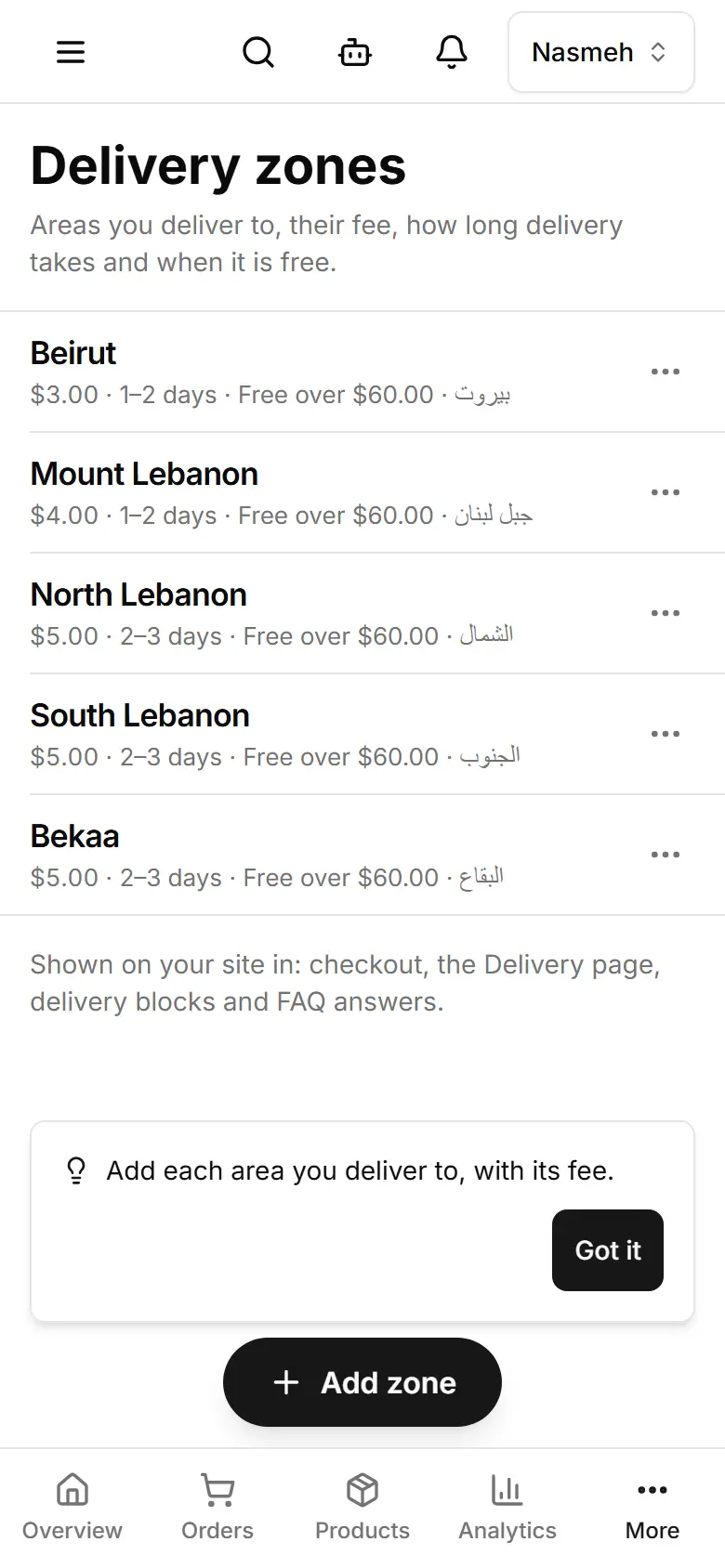
Set delivery areas and fees
Add each area you deliver to with its fee, how long delivery takes, and the order amount above which it is free.
Open Delivery zones and tap Add zone.
Type the Name (English) — for a known area the Arabic name is filled in for you; check it.
Enter the Delivery fee (USD), or switch on Free delivery in this zone.
Optional: the Delivery time (from–to, hours or days) and Free delivery over (USD, optional).
Tap Save — checkout uses it at once.
A zone marked Suggested was set up for you: check its fee, then tap Confirm.