Make bundle deals and coupon codes
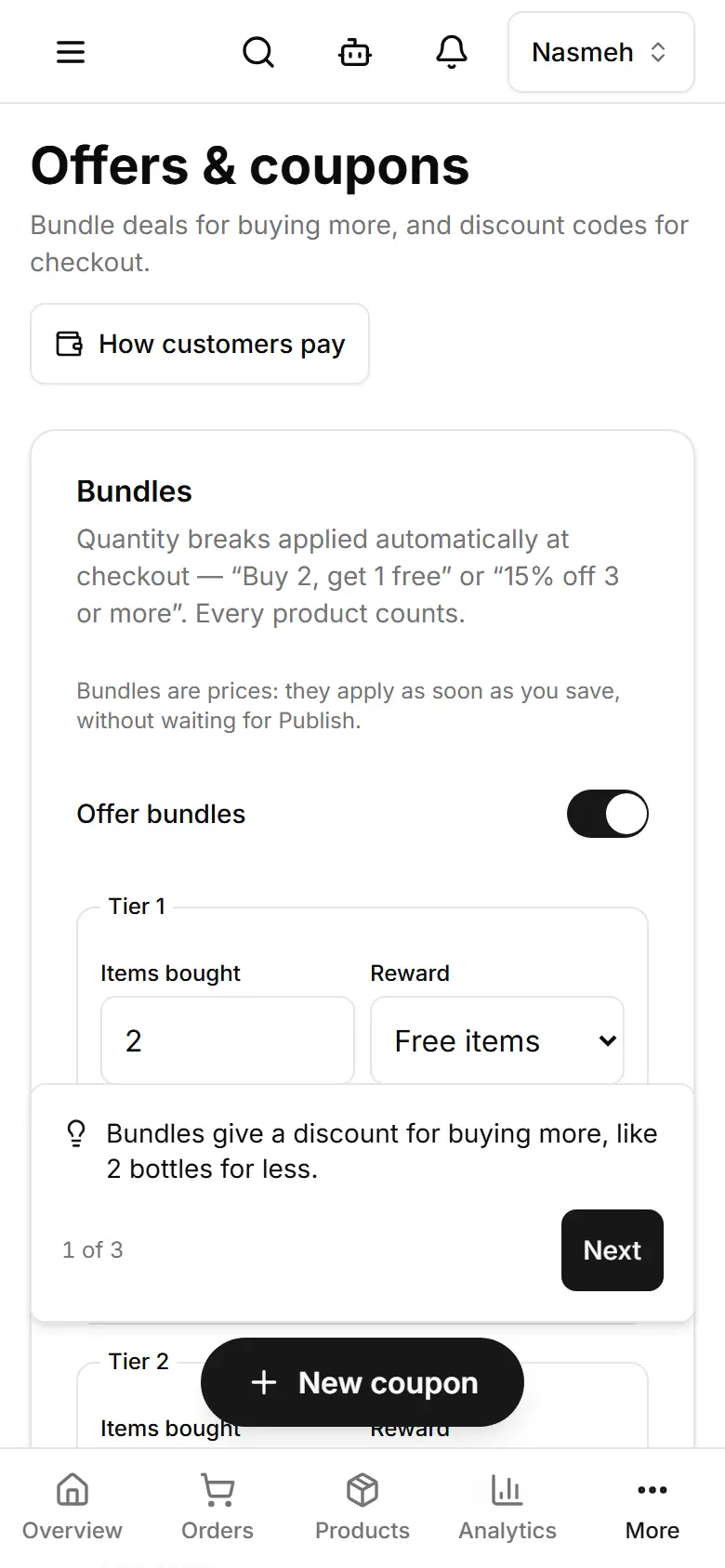
Bundles give an automatic discount for buying more; coupons are codes customers type at checkout.
Open Offers & coupons.
Switch on Offer bundles and set each tier: how many items, and the reward (percent off or free items).
Tap Add a tier for another level, then Save bundles.
For a code, tap New coupon and type the Code.
Choose Percent off or Fixed amount (USD) and the value; a minimum, an expiry date or a use limit are optional.
Tap Create coupon.
Related
- Set delivery areas and feesAdd each area you deliver to with its fee, how long delivery takes, and the order amount above which it is free.
- Add a productGive the product a photo, a name and a price, save, and it is in your shop at once — no Publish needed.
- Reward customers with loyalty pointsCustomers earn points on delivered orders and spend them at checkout — known by their phone number, no account needed.