Mark a dish sold out, or change the dish order
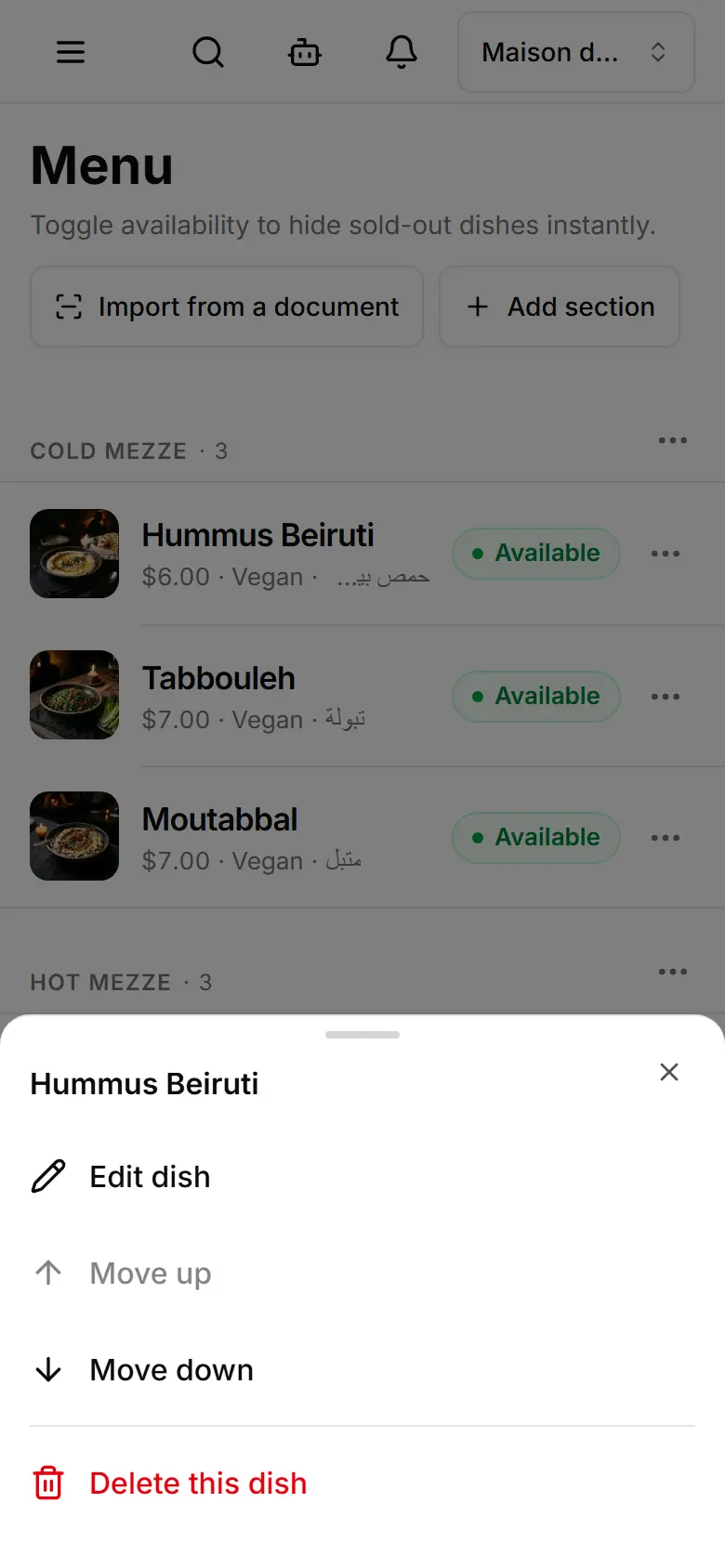
Tap a dish's chip to mark it sold out — it leaves the menu at once — and use ⋯ to move or delete it.
On Menu, tap the dish's Available chip — it turns Sold out and the dish is hidden from your menu.
Tap it again to put the dish back.
To change the order, tap the dish's ⋯ and choose Move up or Move down.
Sections move the same way from their own ⋯.
To remove a dish for good: ⋯ → Delete this dish.