Print the QR code for your tables
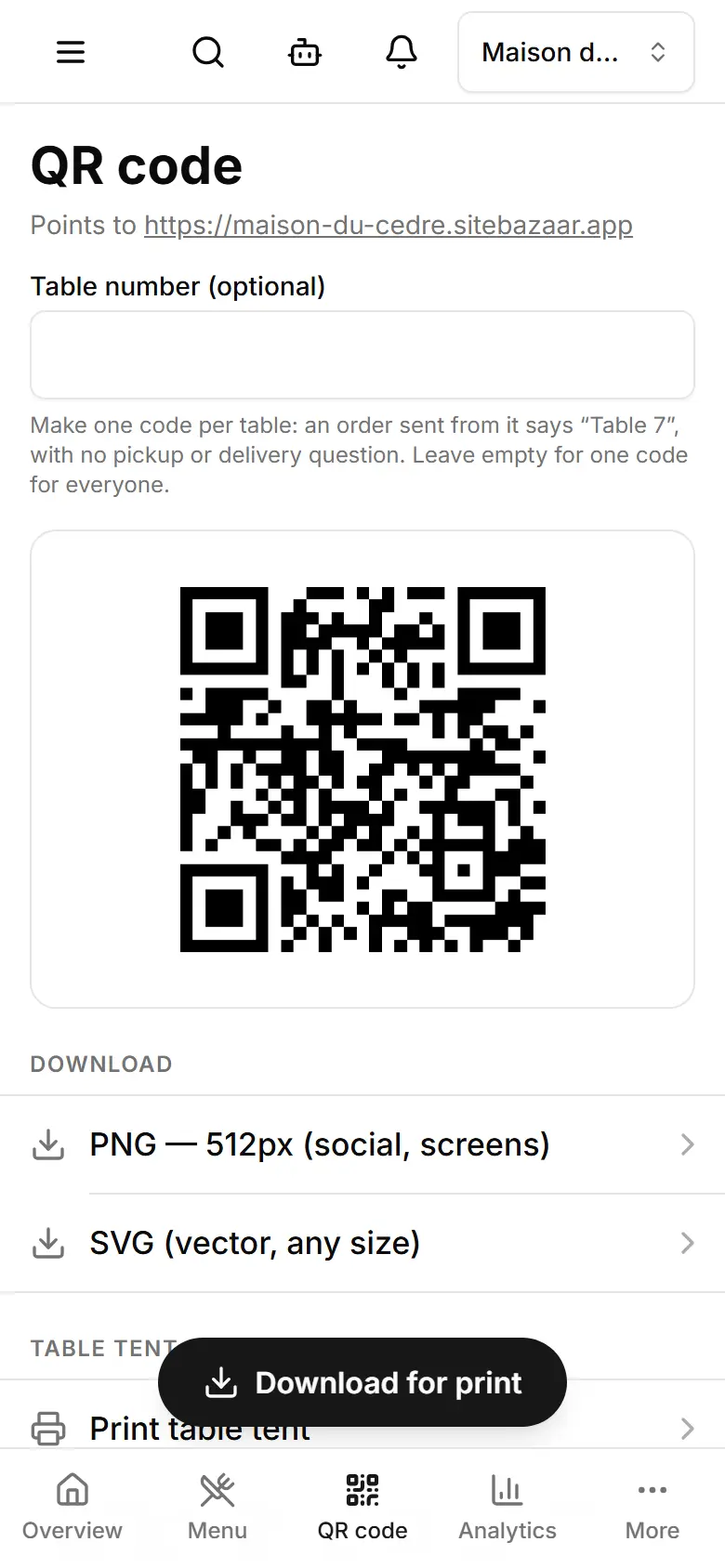
Download or print the QR code that opens your menu — for tables, the counter or the window.
Open QR code.
One code per table? Type it in Table number (optional): an order sent from that code says “Table 7”, with no pickup or delivery question.
Tap Download for print for a large picture (2048 px) to send to a printer.
Or under Download, pick SVG (vector, any size) for a print shop.
Tap Print table tent for a ready card that says “Scan for our menu”; choose “Save as PDF” to keep a file.