Add, move or hide a section
Add a ready-made block to your page, then move, duplicate, hide or delete it from its menu.
In My website, open Sections (phone: ⋯ → Edit my site).
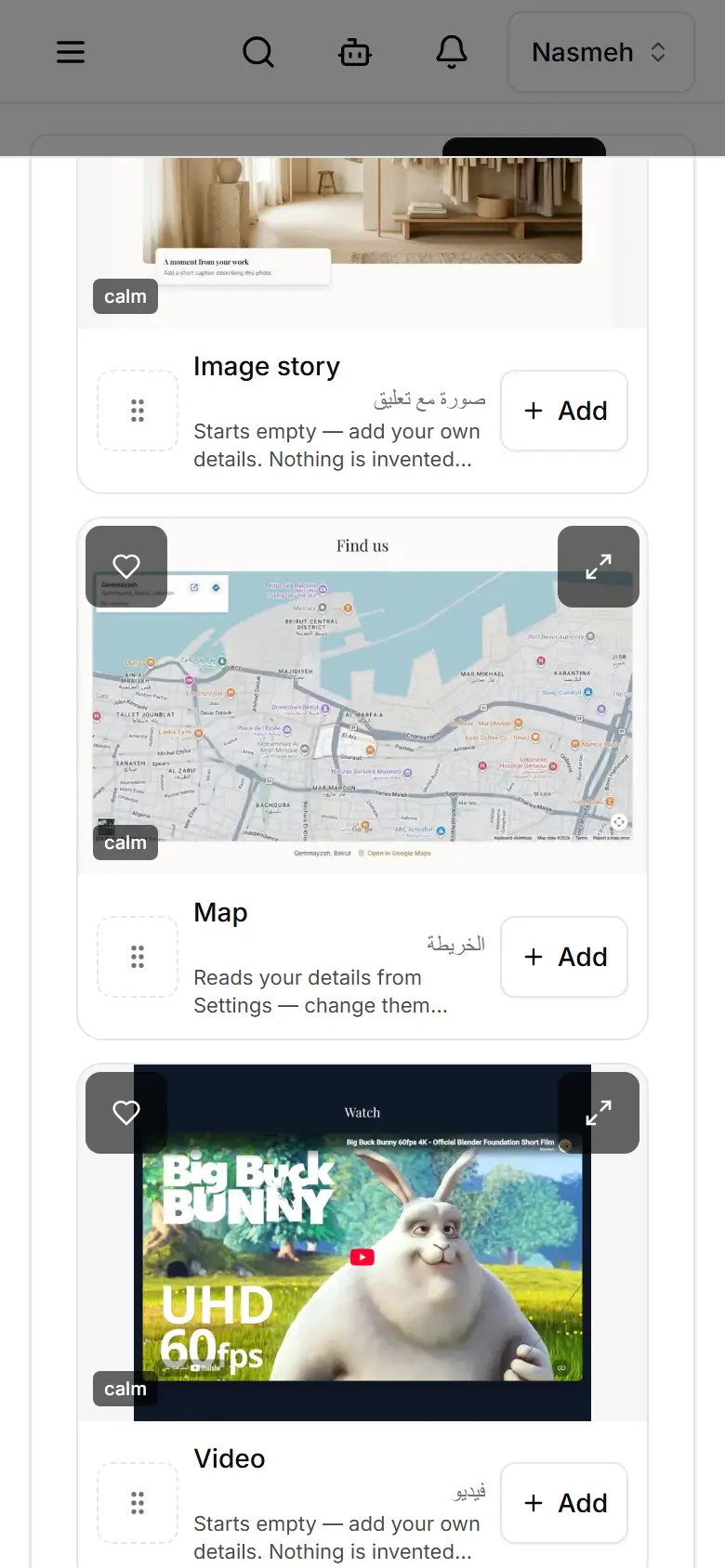
Tap Add a section at the bottom of the list.
Pick a block — search, or start from Suggested.
Tap Add here at the spot on your page where it should go.
Fill in its words and pictures, then Publish.
Related
- Change the text and pictures on a pageTap any part of your page in My website, change its words or upload a photo; it saves to your draft.
- Add a page and choose where it appearsCreate a page in My website → Pages, fill it, then choose: by its link only, or in the navigation bar.
- Undo a change on your websiteUndo the last change in one tap, or open History to take back any change — even an older publish.