Find any setting or page with search
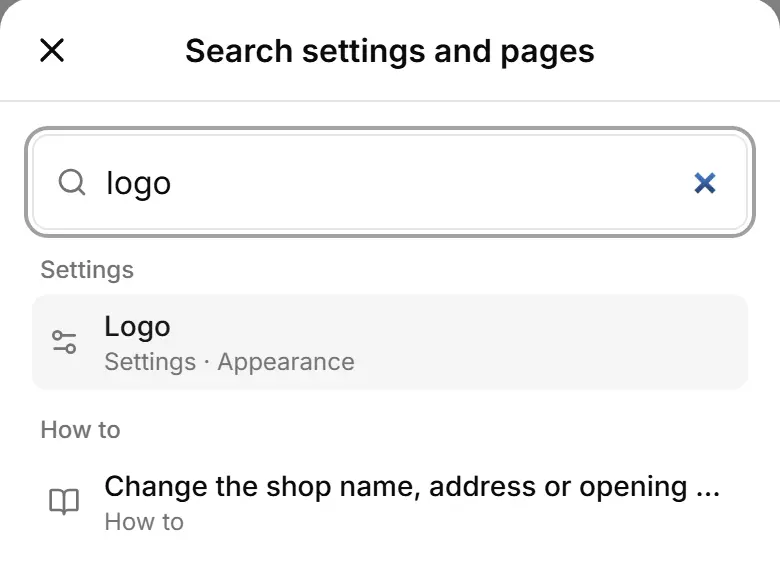
The search in the top bar opens any setting, page or how-to — type a word like logo or delivery.
Tap the magnifier 🔍 in the top bar (on a computer: Search…, or Ctrl K).
Type what you are looking for — "logo", "delivery", "WhatsApp".
Results come in groups: Settings, Pages, How to.
Tap a result to open that exact place.