Your first day: the setup steps
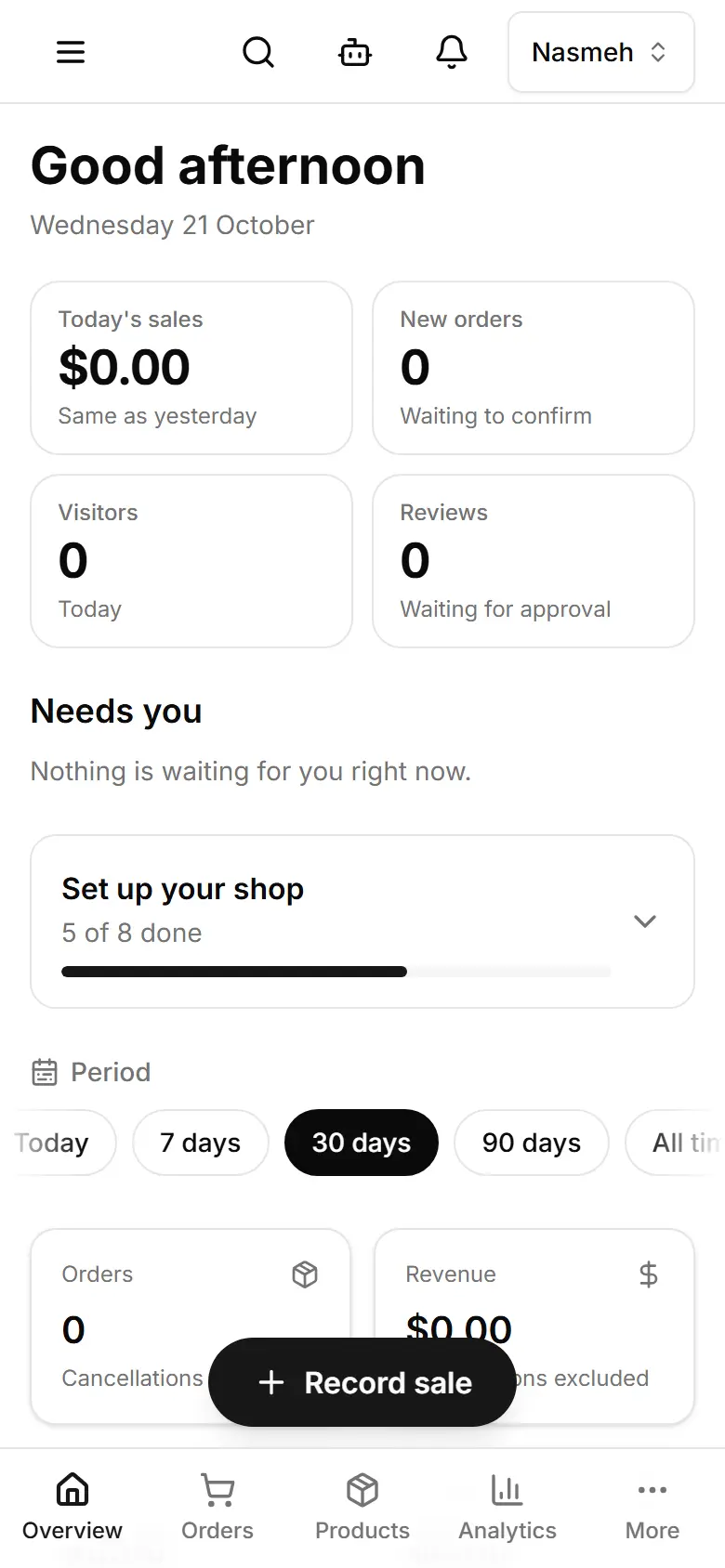
Overview lists what is left before your site is ready; each line opens the page that fixes it.
Open Overview.
Shops: in Set up your shop, tap Do it on the first step that is not ticked.
Every site: in Launch checklist, Fix on a line opens the place that fixes it.
When the list is clear, go live: Publish your changes.
| Shop step | What it asks |
|---|---|
| Your shop | Name, logo, WhatsApp, address, hours |
| Your products | Replace the samples with your own |
| Pictures | A real photo on every product, a cover photo |
| Delivery | Areas, fees and delivery times |
| Payment and offers | Cash, Whish or OMT; offers |
| Policies | Returns, delivery, privacy, terms |
| Test it | Place one order yourself |
| Go live | Publish, then leave Coming soon |
Related
- Publish your changesThe editor and Style save a draft visitors do not see; Publish puts it live. Products and Settings are live at once.
- Change your shop name, address and opening hoursSettings → Store details holds the name customers see, your address and your week of opening hours.
- Find any setting or page with searchThe search in the top bar opens any setting, page or how-to — type a word like logo or delivery.