Hide, copy or delete a product
Hide a product to take it off your site without losing it, duplicate it to start a similar one, or delete it for good.
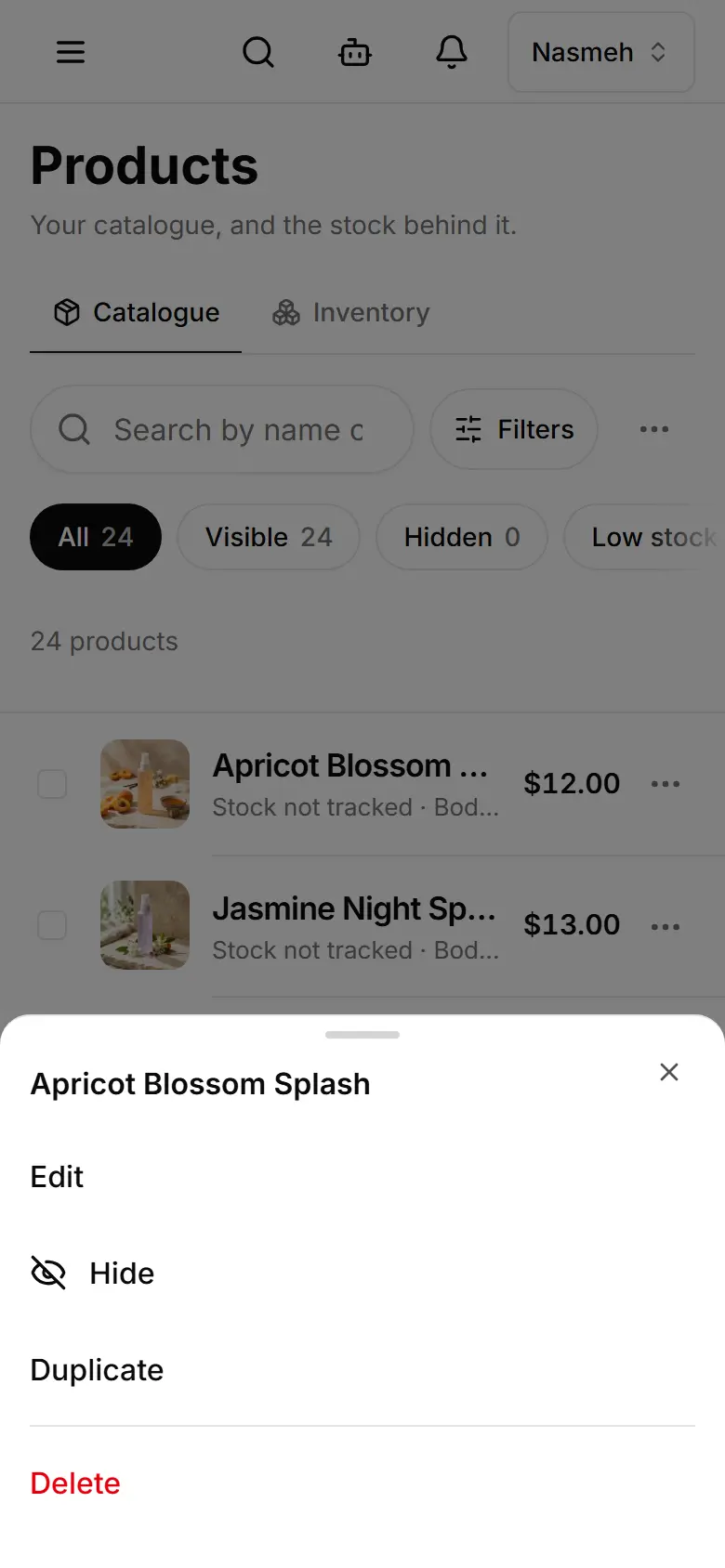
On Products, tap the ⋯ next to the product.
Tap Hide — it leaves your site at once. Show brings it back.
Or tap Duplicate: the copy opens hidden until you make it visible.
Or tap Delete and confirm — the product is removed for good.