Add many products at once
Bring a whole list in from a spreadsheet (free), or let AI read a price list photo or PDF (uses credits).
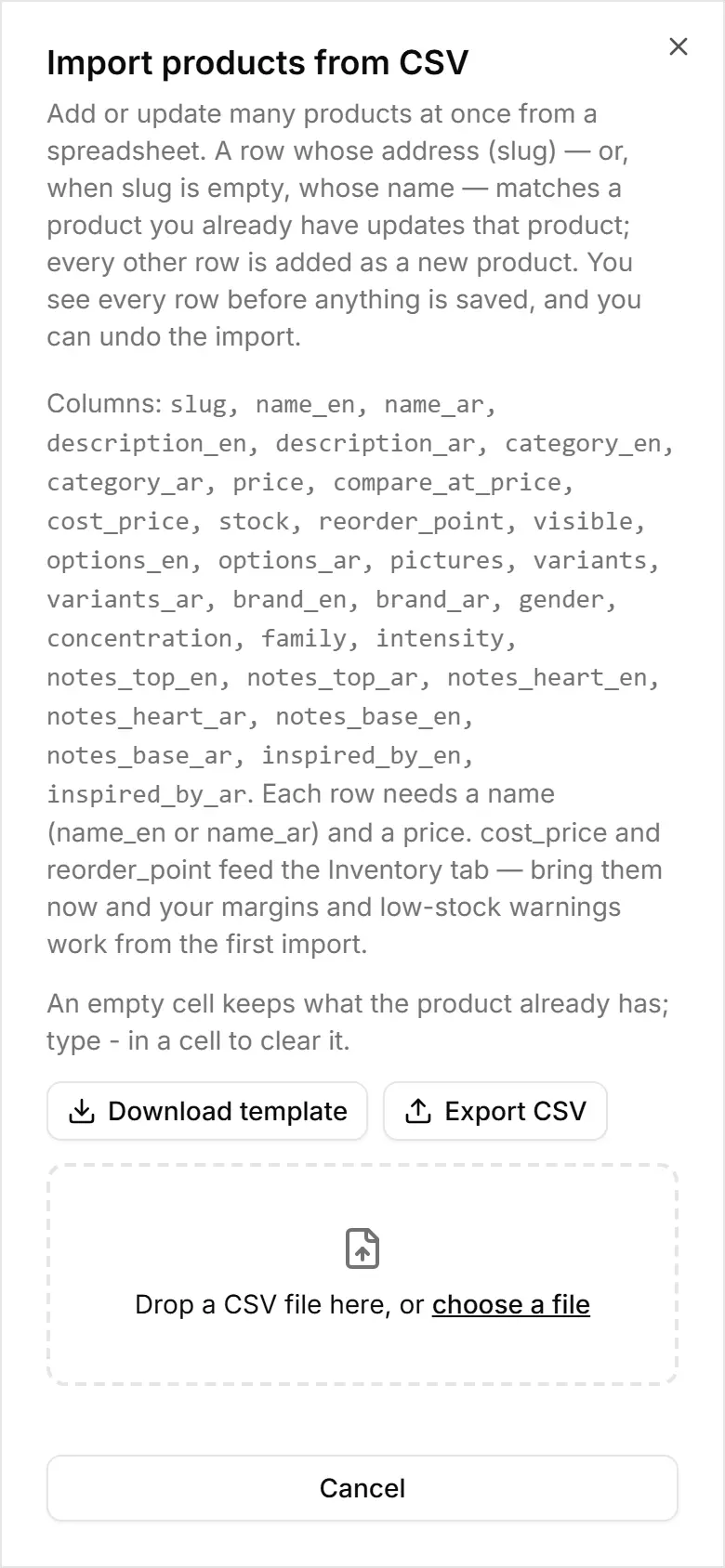
On Products, tap Import CSV. On a phone, tap the ⋯ beside Filters (Add many at once), then Import CSV.
Tap Download template and fill one row per product — at least a name and a price.
Choose your file: every row shows as New, Update or Error before anything is saved.
Tap Import (the button shows how many rows) — rows with errors are skipped.
Changed your mind? Tap Undo this import.
No spreadsheet? Import from a document reads a PDF, a photo or pasted text with AI. Reading costs credits (the button shows how many); adding the rows is free. Check the list, then tap Add to my products. Only the owner can use Replace my products.