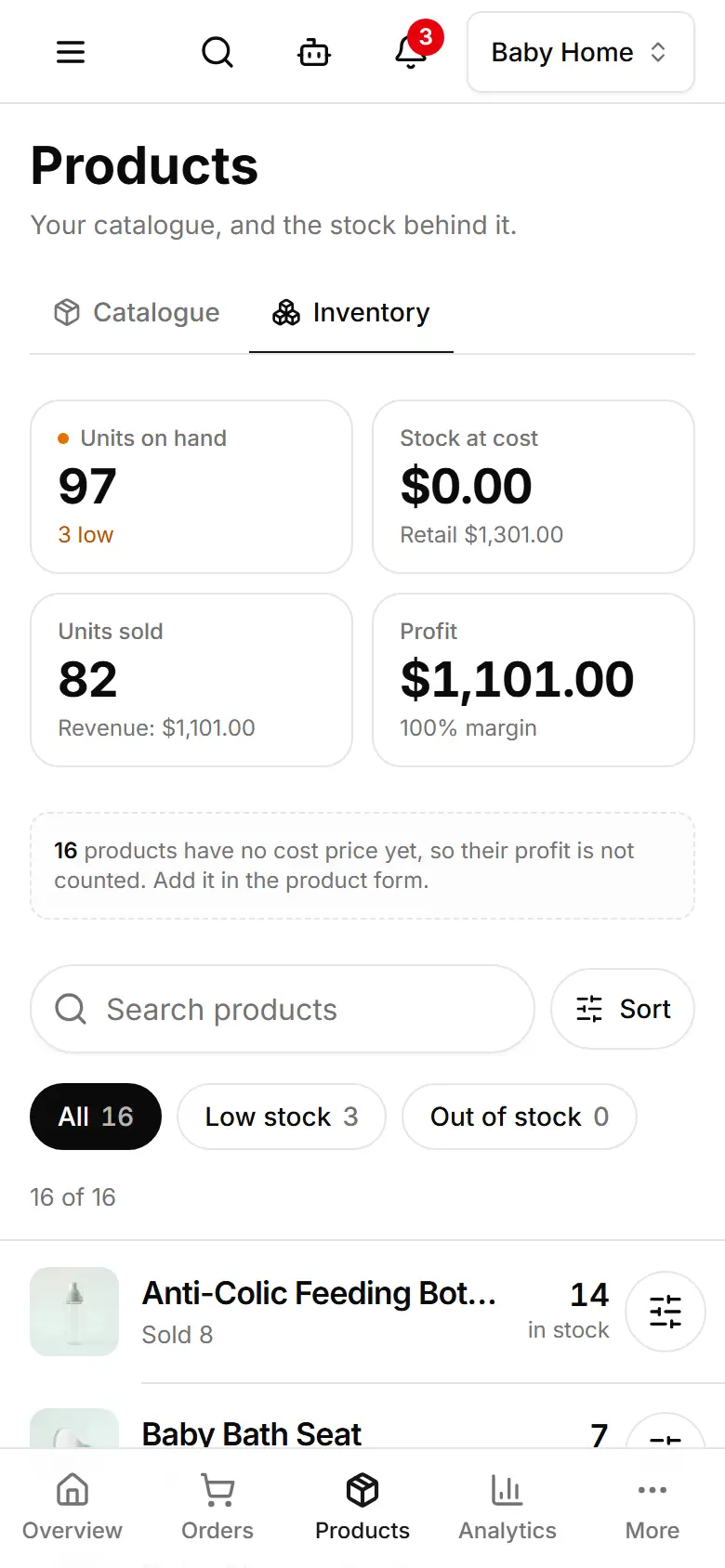
Track stock and get low-stock warnings
See what is on the shelf and what it is worth, get a Low stock list, and record deliveries and counts.
Open Products → Inventory.
Tap a product to open its Stock history, and set Warn me at — the number that counts as low.
Goods arrived? Tap the product's adjust button, choose Delivery received and type the Units moved.
Counted the shelf? Choose Stock-take (counted) and type the Counted quantity.
Tap Save.