Sell a product in sizes, each with its own price
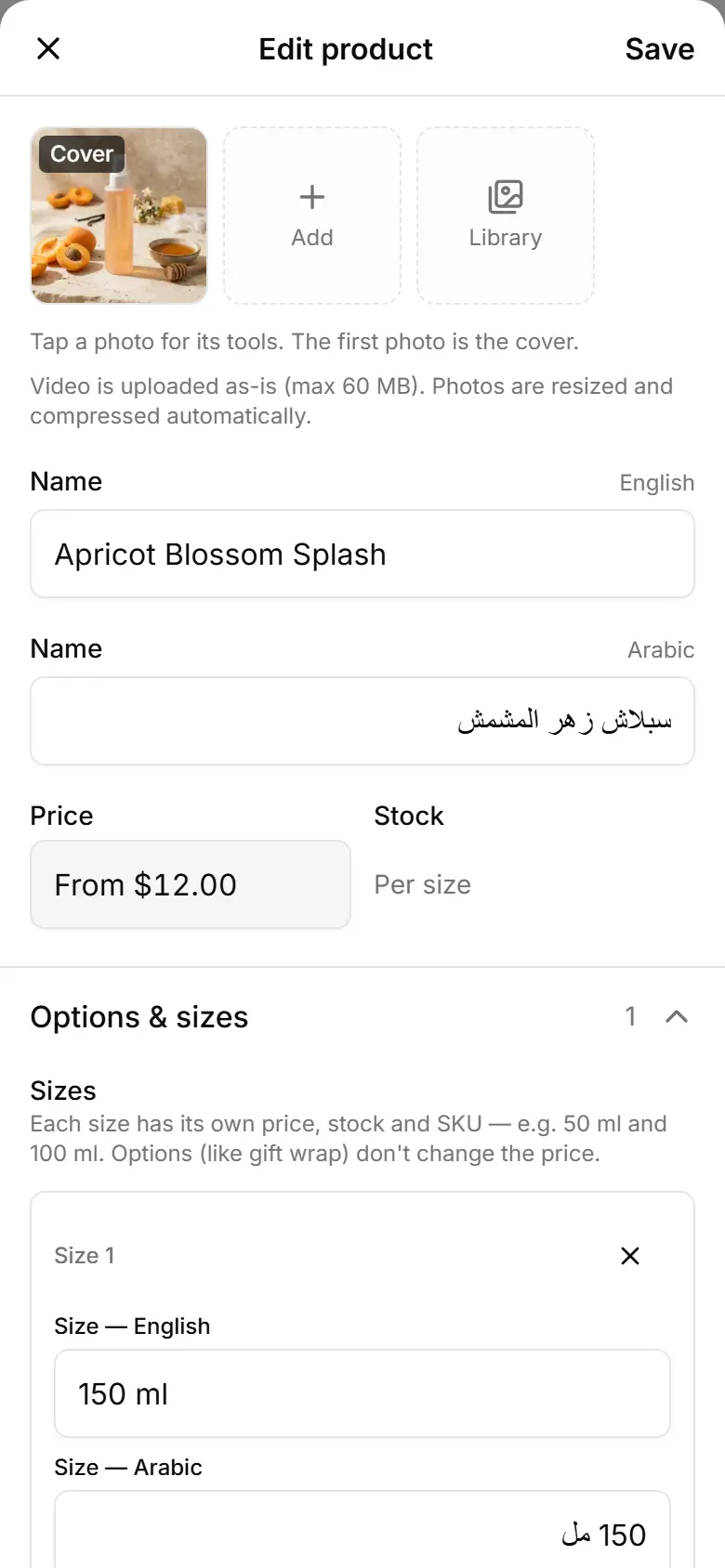
Give each size (50 ml, 100 ml…) its own price and stock; the shop shows the cheapest one as the product's price.
Open the product and tap Options & sizes.
Tap Add size, or a ready size under Quick add (ml).
Fill the Size name, its Price and, if you count it, its Stock.
Add the next size the same way (up to 12).
Tap Save.