Undo a change on your website
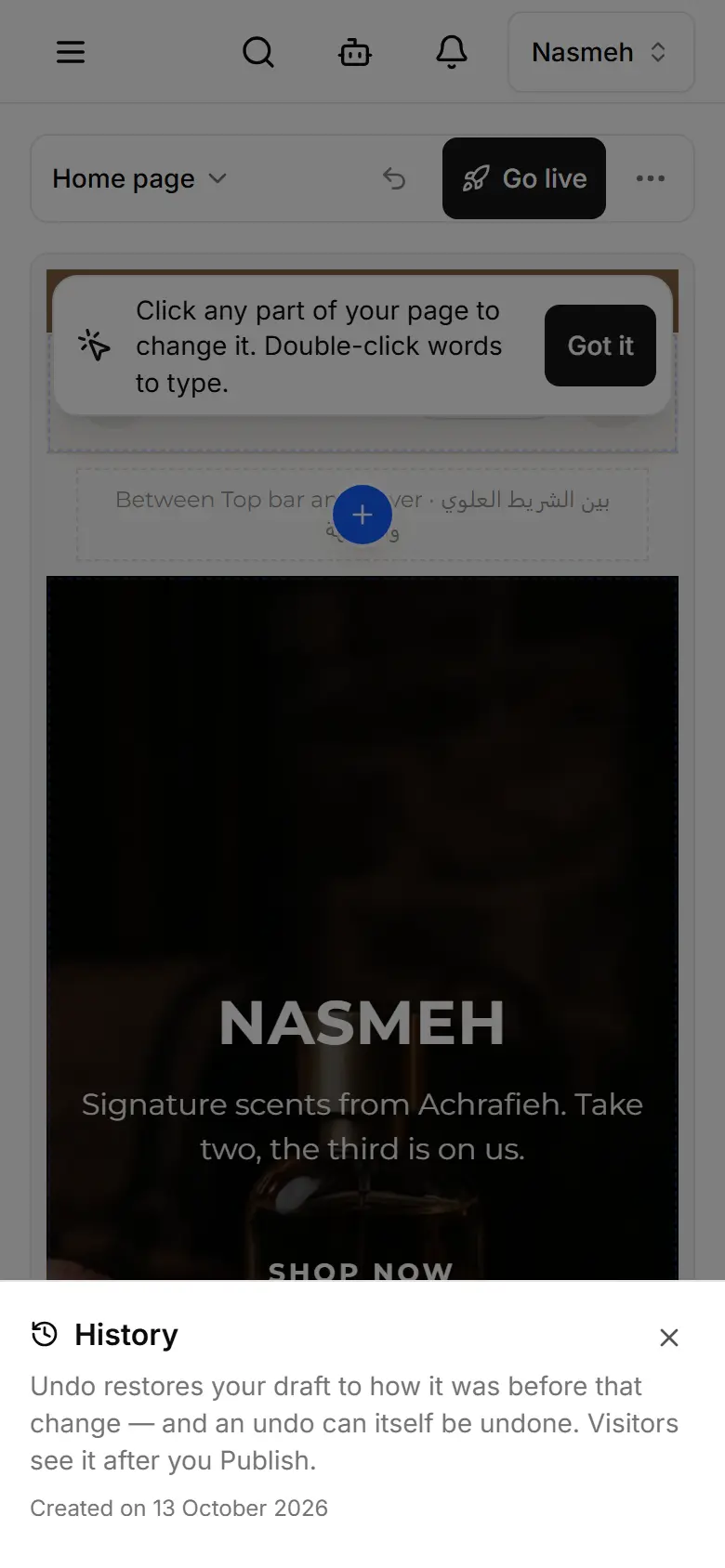
Undo the last change in one tap, or open History to take back any change — even an older publish.
In My website, tap the ↶ arrow (Undo last change).
For an older change, open History (the clock; on a phone in the ⋯ menu).
Tap Undo on the change you want to take back.
Publish — visitors see the result after that.