Check a Whish or OMT payment and mark the order paid
Whish and OMT customers pay you directly and send a reference; you check it in your app and switch the order to Paid.
Switch Whish or OMT on in Settings → Payments first; cash on delivery is there too.
On Orders, a Whish or OMT order shows Awaiting payment, then Reference sent once the customer types the reference.
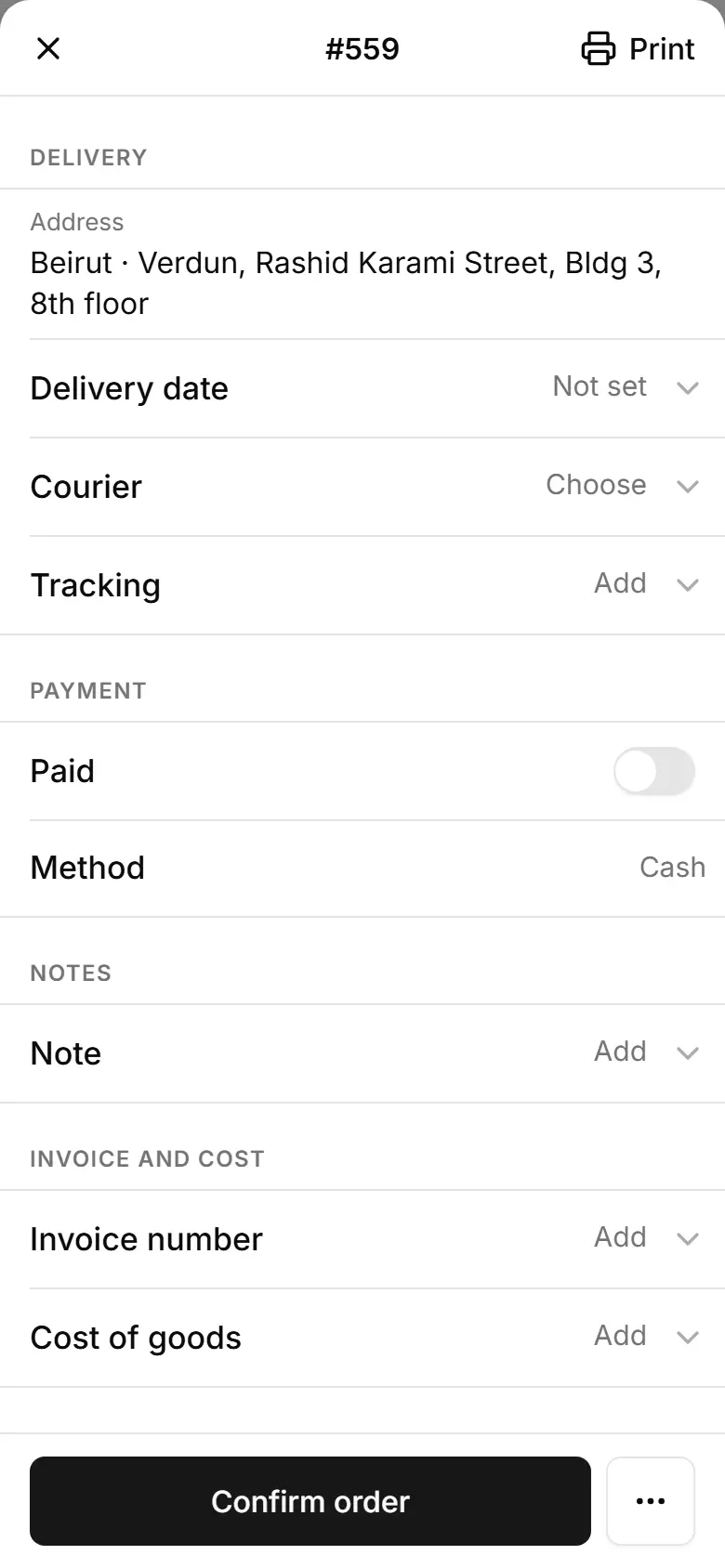
Open the order: the Payment reference is under Payment — tap Copy.
Check that reference in your Whish or OMT app.
Switch Paid on.
Related
- A new order arrived — what to doYou get an email (and a phone notification if you turned them on); open the order, check it and confirm it in one tap.
- Follow invoices and money held by couriersSee which invoices are paid, who still owes you, how much each delivery company holds, and record a courier payout in one go.