Add product photos and choose the cover
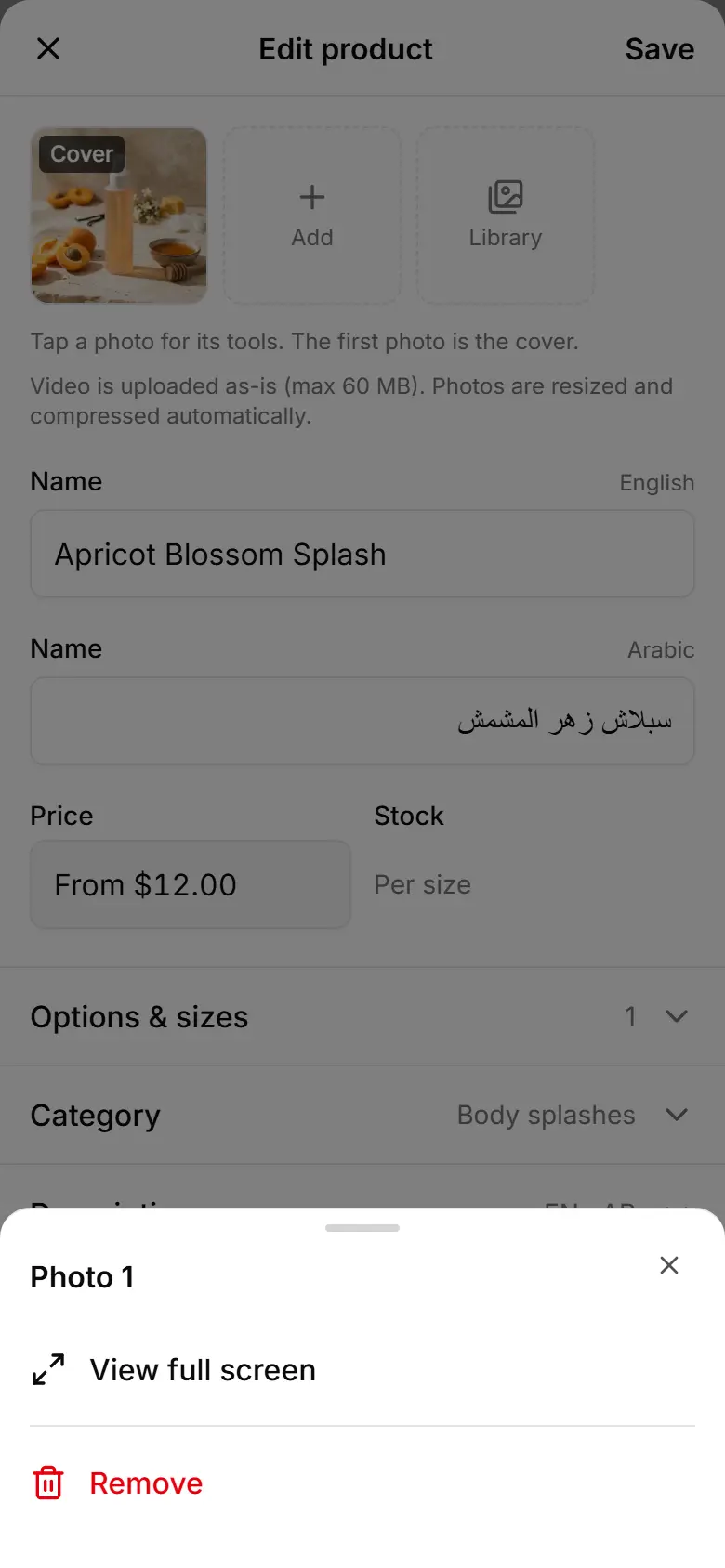
Add up to 8 photos per product; the first one is the cover shoppers see, and a filter finds products with no photo.
Open the product.
In the photo strip at the top, tap Add — or Library to reuse a picture you uploaded before.
Tap a photo and choose Make it the cover to show it first.
Tap Save.
To find products with no picture: on Products tap Filters, choose No picture under Status, then Apply.