Organise products into categories
Create categories, set their order for your shop's menu, and put each product in one.
Open Categories and tap Add category.
Type the Name in each language and tap Save.
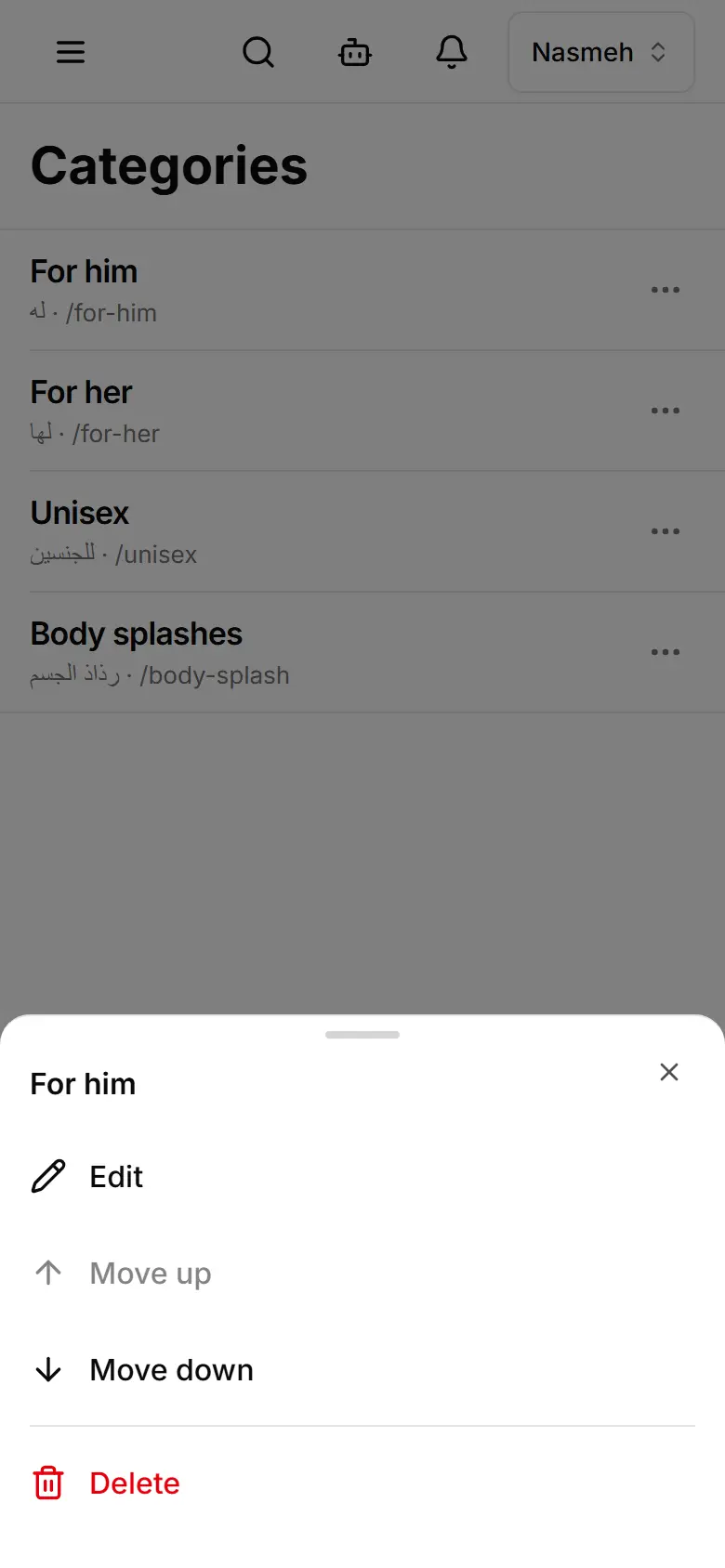
To change the order, tap a category's ⋯ and choose Move up or Move down.
On each product, pick its Category — or select several products and use Set category.